Reset progress or start a new world
Choose whether to reset your progress or start a new world. A reset affects the whole run: agree with your team and check what stays first.
Choose a reset
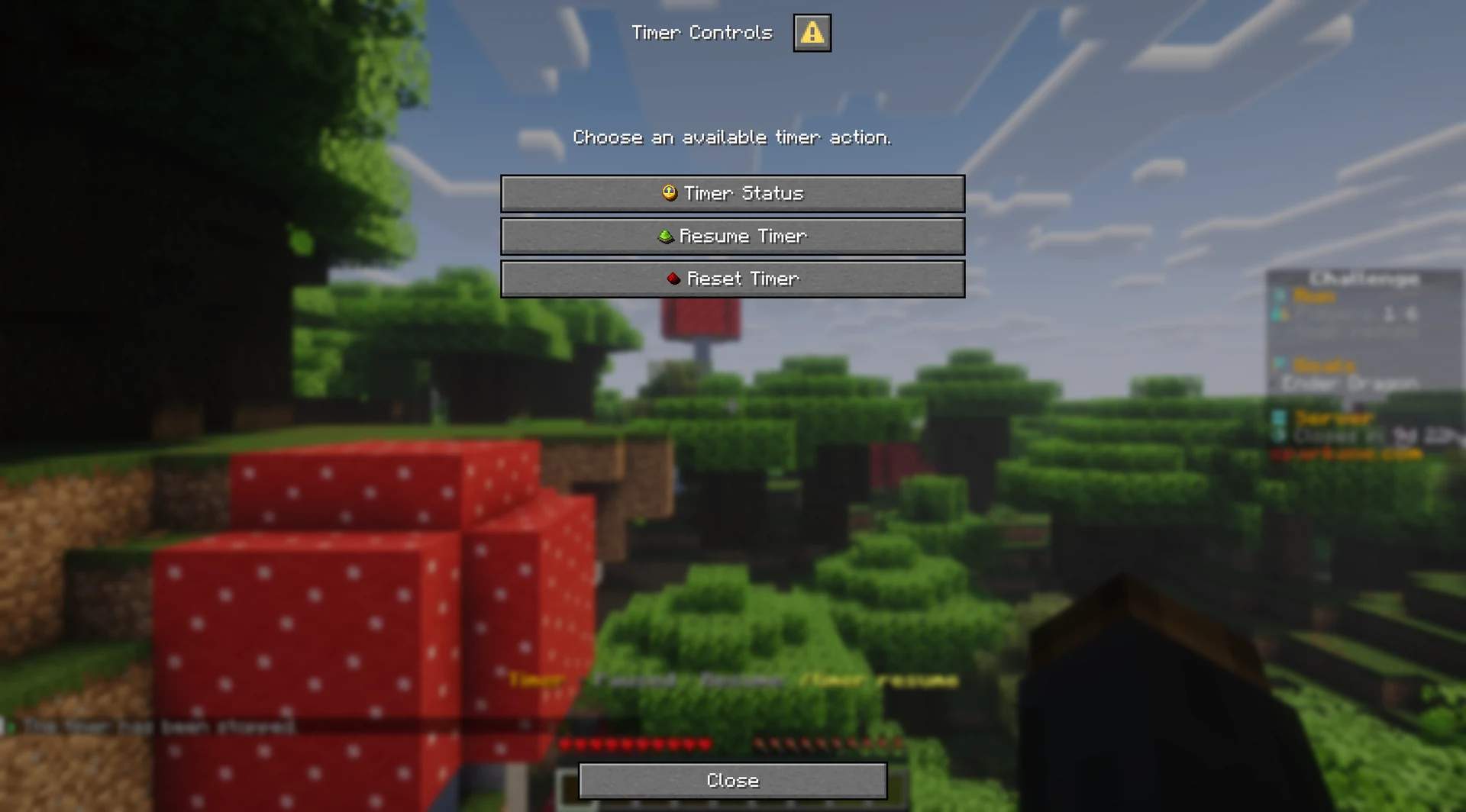
Use /reset or /run reset to open the reset choices. If you can reset the run, choose Reset Progress for a soft reset or Start a New World for a hard reset. Both choices ask for confirmation before they affect the whole run.
After a failed attempt, the host with reset permission sees the same two choices. Read what resets and what stays before you choose.
Which reset option fits your run?
- Reset Progress (Soft Reset)
- Resets: Timer, run progress, and shared tasks.
- Keeps: World, terrain, blocks, inventories, experience, Backpack, randomizer assignments, and discoveries.
- Start a New World (Hard Reset)
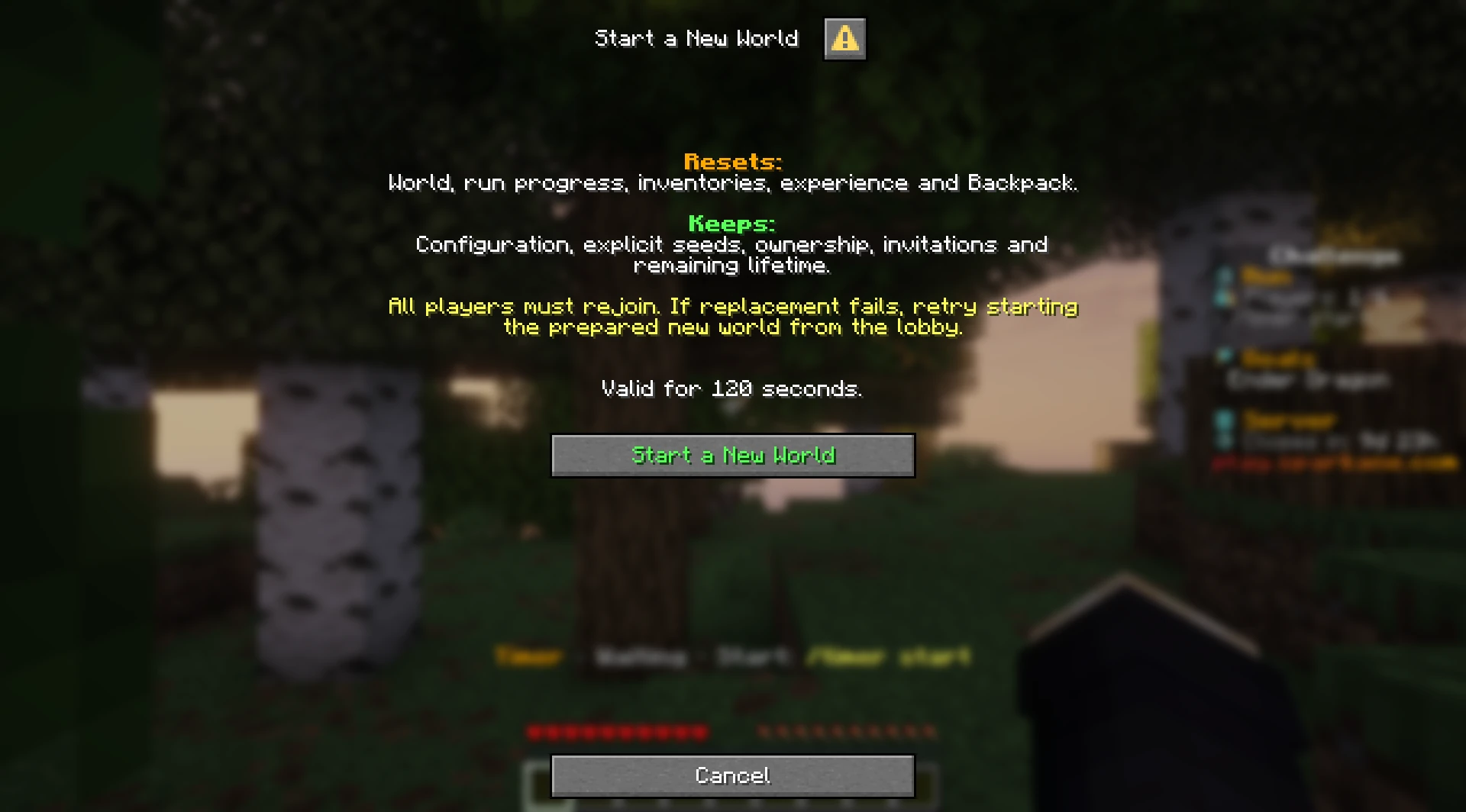
- Resets: World, run progress, inventories, experience, and Backpack.
- Keeps: Configuration, explicit seed, ownership, invitations, and remaining server lifetime.
Reset Progress (Soft Reset)
Choose Reset Progress, or use /timer reset or /run reset progress. After you confirm, the timer and run progress reset. The shared task list is cleared.
Your world stays just as you left it. Blocks you mined and items you used up do not come back after a soft reset. Inventories, experience, the shared Backpack, randomizer assignments, and discoveries remain.
Start a New World (Hard Reset)
Choose Start a New World, or use /run reset world. After you have started and joined the server once, a host with reset permission can also choose Start a New World in the Personal Server area in the lobby. This replaces the world and resets run progress, inventories, experience, and the shared Backpack.
The challenge configuration, explicit seed, ownership, invitations, and remaining server lifetime stay. A fixed seed stays the same. A new world starts with empty tasks and positions. Everyone must join the new world again.