
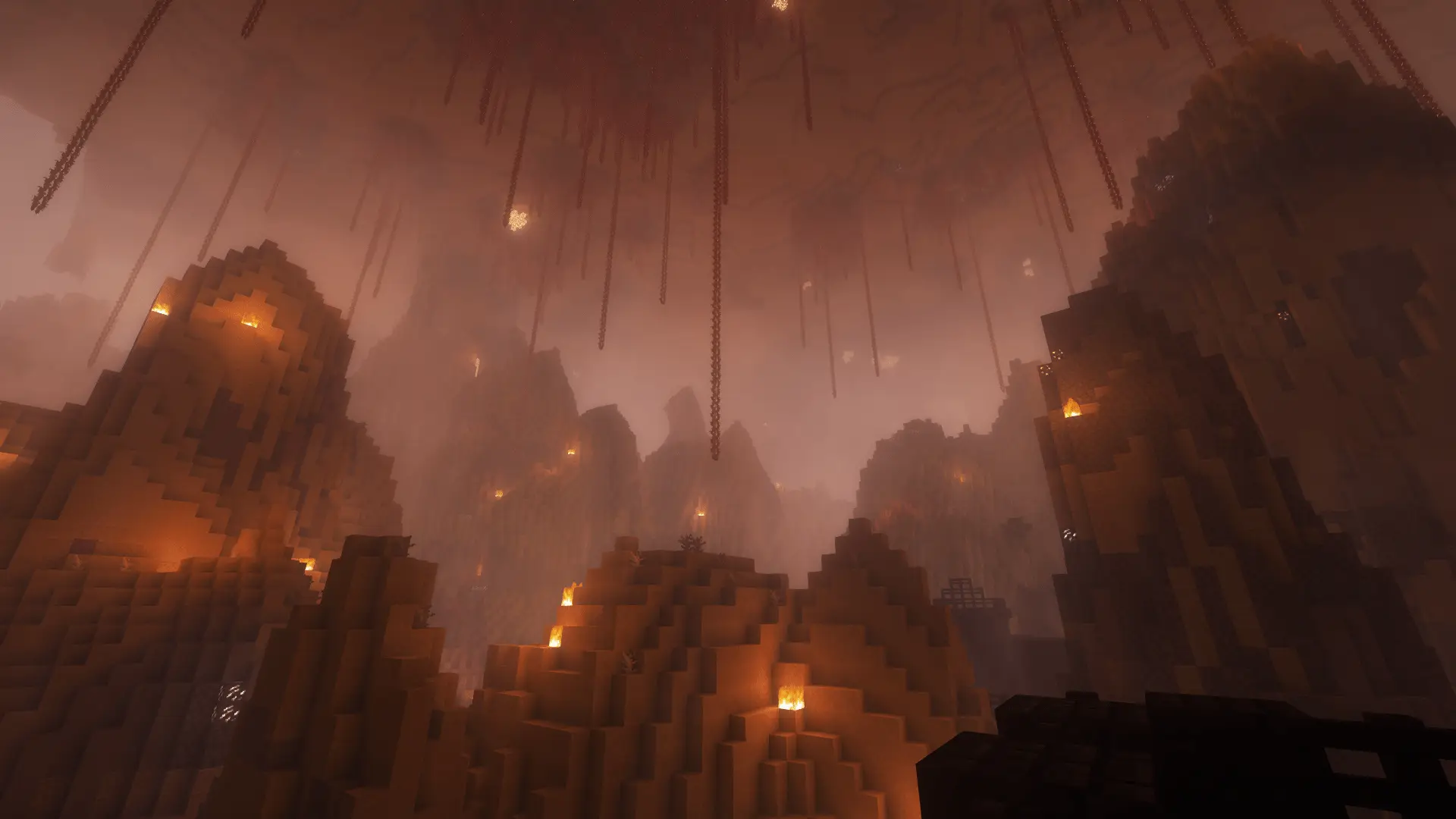
Free Minecraft challenge
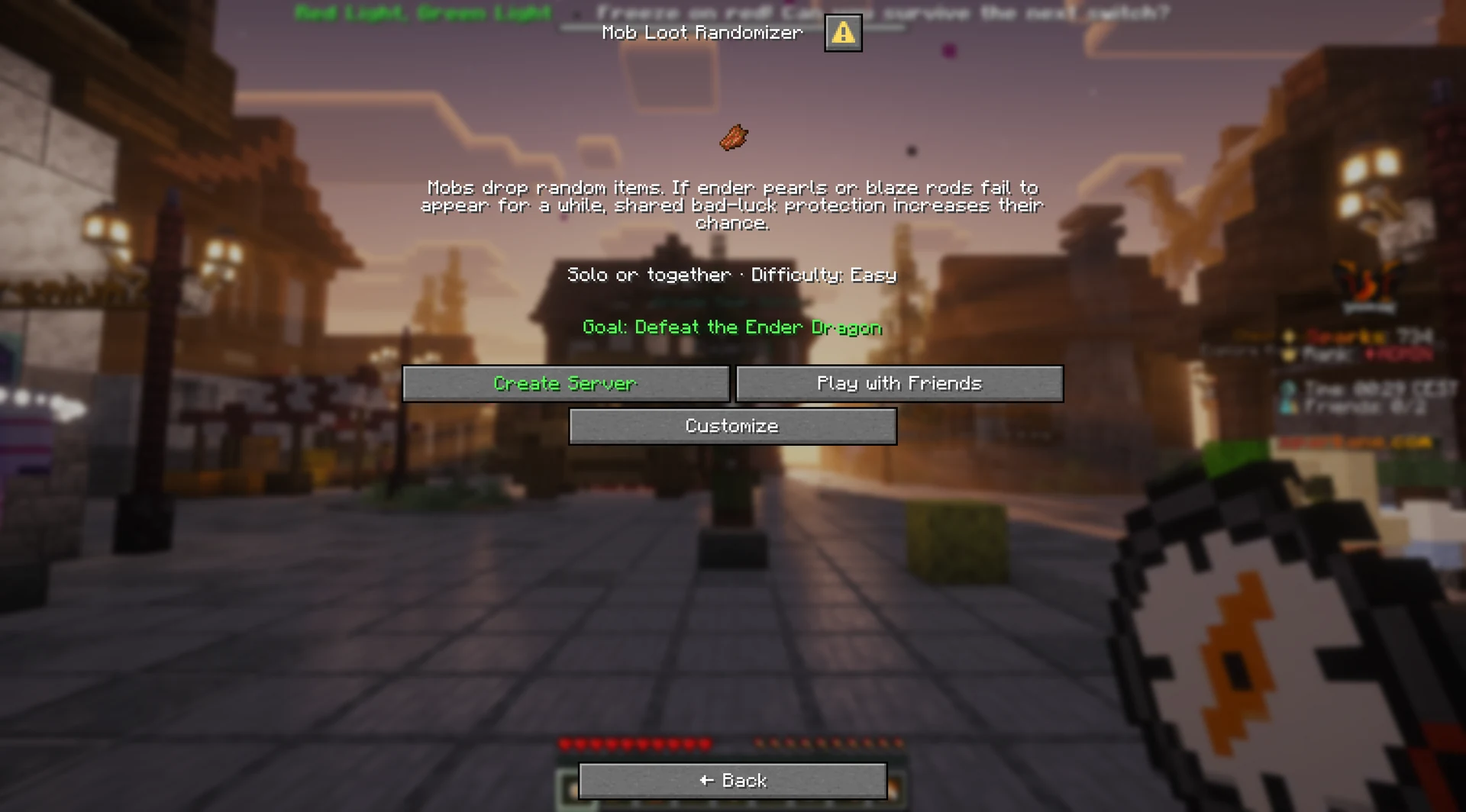
Mob Loot Randomizer
A zombie drops an ender pearl; the next cow might drop a sword. Hunt mobs, share the loot and gear up for your goal.
- Java & Bedrock
- Private server
- No extra mods
Possible discoveries
A fresh roll with every kill
Each defeated mob has its usual loot replaced with random obtainable items. Two zombies do not have to drop the same item. Ender pearls and blaze rods can also appear from any mob. If either stays missing for a long time, shared bad-luck protection gradually increases its chance. Its counter starts over when it drops.
Every defeated mob can become a new surprise package.
Example round: a zombie drops a tool, then a cow drops a completely different item. Even two zombies can drop different items. Keep killing mobs if the item you need has not dropped yet.
What to expect from your run
- Rule complexity
- Each killed mob gets a fresh random drop.
- What helps
- Bring a weapon, shield and food before hunting mobs.
- What takes time
- You may need to kill many mobs before the item you want drops.
Hunt smarter
Tips for your Mob Loot Randomizer run
Start with mobs that are easy to find and defeat. Sort useful drops into your inventory right away.
- 01Look for common mobs
- Cows, sheep, zombies, skeletons and spiders are often nearby. They can drop the items you need too.
- 02Sort the loot immediately
- Keep food, weapons, armor, blaze rods, and ender pearls organized so random clutter does not slow the team down.
- 03Control the fight
- Use shields, boats, height, and lit safe zones so testing dangerous mobs does not cost your collected loot.
- 04Search every dimension
- You can look for mobs in the Nether and End too if you find few in the Overworld.
Turn up the chaos
Combine Mob Loot Randomizer with other challenges
Other rules can make it harder to kill mobs or keep their drops.
- Mob Loot Randomizer + Chunk = Mob
- Defeat the mob to unlock the chunk. This mob can drop random items too.2 simultaneous challenges · Host needs Pro
- Mob Loot Randomizer + No Crafting
- Random mob drops become your main source of finished tools, armor, and other items you cannot craft.2 simultaneous challenges · Host needs Pro
- Mob Loot Randomizer + Damage Clears Inventory
- One hit can delete all your loot. Store valuable items before fighting again.2 simultaneous challenges · Host needs Pro
The configurator shows which rules you can enable together. Some combinations do not suit every goal.
Mob Loot Randomizer FAQ
Answers to the most common questions before your first randomized hunt.
Can I play Mob Loot Randomizer for free?
play.sparkane.com, choose the preset in the lobby, and create your private server from it. You only need the web configurator if you want custom settings.Can mobs drop blaze rods and ender pearls?
Are the mob drops predictable?
Your first run
Play Mob Loot Randomizer online
You need Minecraft, but no extra mods or server hosting of your own.
- 1
Join Sparkane
Connect to
play.sparkane.com. We support 1.21.11 – 26.3 on Java. The “How to join on Java & Bedrock” guide covers both editions. - 2
Choose your challenge in the lobby
Choose your challenge at the NPC in the lobby. You can play straight away with its preset rules. To change settings or combine challenges, open the browser settings from there.
- 3
Start your server and invite friends
Create your server and wait for it to be ready. Invite friends with
/invite. Java and Bedrock players can play together. - 4
Start the timer and play
Everyone ready? As the host, use
/timer start. You can then break blocks and the challenge rules become active. Use/timer pauseand/timer resumeto take a break and continue your run.