
Save shared positions
Markers guide you there, but never teleport you.
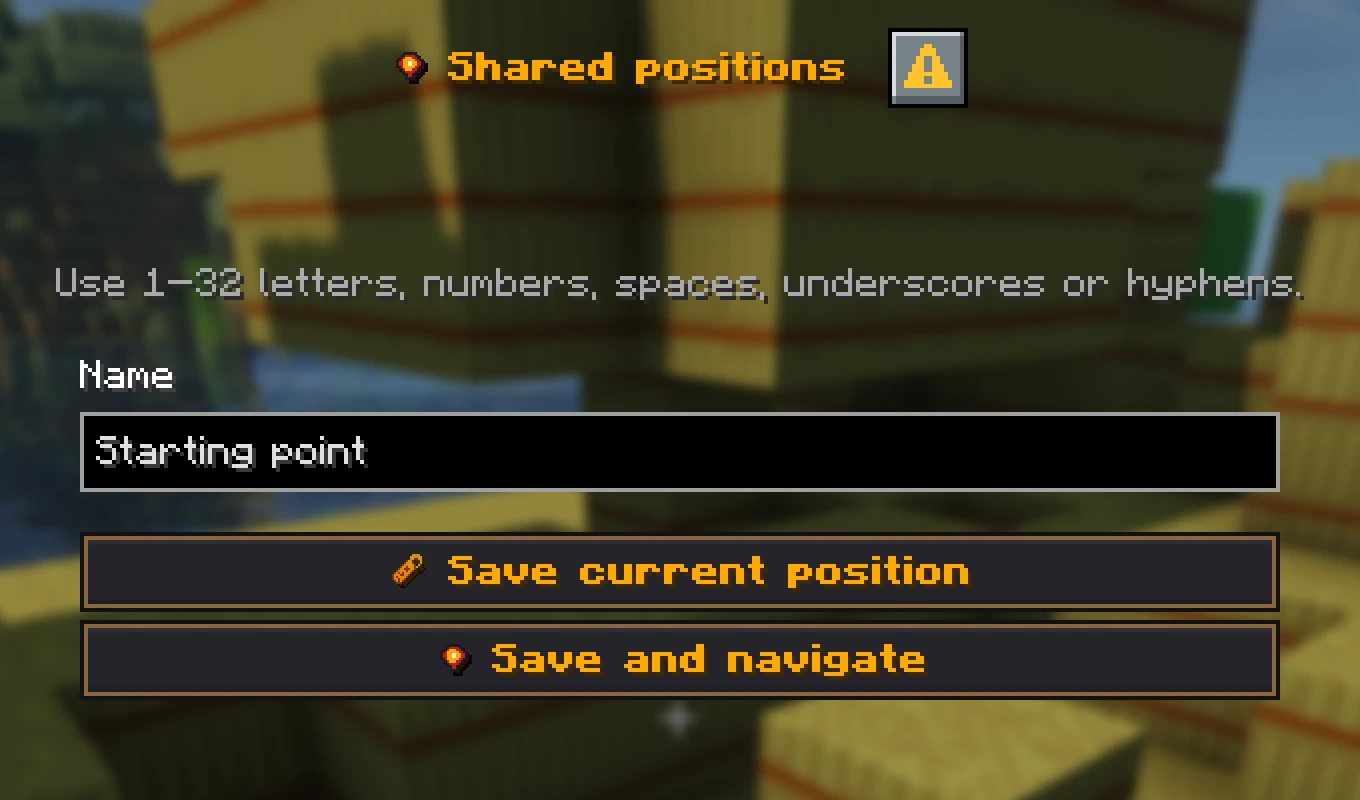
Save a place
The Host needs Pro or higher to save shared places. Your friends do not need their own rank. Stand at the place and use /pos save Base, for example. Open /pos to see the position journal and its saved places. Use names everyone understands, such as “Base”, “Stronghold”, or “End portal” instead of “here”.
Briefly mark a place for everyone
Look at a visible block within 64 blocks and use /pos ping. Add a name with /pos ping Cave entrance. Names can be up to 32 characters long. You can send another ping after three seconds.
Only the host needs Pro or higher. All active participants can then send pings without a rank of their own. Every online player on the server receives a chat message with the location. Active teammates in the same world also see a navigation marker with direction, distance and height difference.
A ping lasts up to 30 seconds and is not saved in the position journal. Your marker disappears once you are within three blocks of the target, including the height difference. Other players keep their own markers until they arrive or the ping expires.
Who can change them
Active participants can rename and delete their own entries. The host can manage every entry.
If the host’s rank is below Pro, existing positions stay visible and navigation still works. Saving new positions, renaming them and sending pings are then locked.
Shared positions require a run with one team and the feature enabled. They are not available in Battles.
Start navigation from the position journal
- 1At spawn, save
/pos save Base. - 2Before a dangerous cave, save
/pos save Cave. - 3Open
/pos, choose the place, and press Navigate. - 4Travel to the saved dimension. A Nether or End target only shows its direction there.