
Latest article
26.3 Content and Dimension Shift
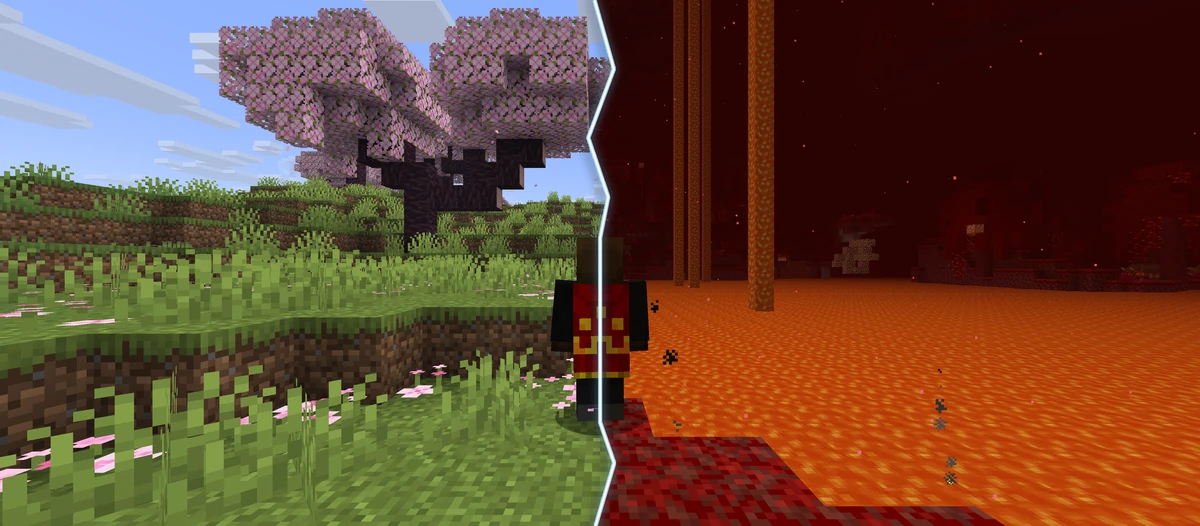
Travel between the Overworld and Nether in Dimension Shift, explore Minecraft 26.3 and keep more personal servers for your runs.
Read article
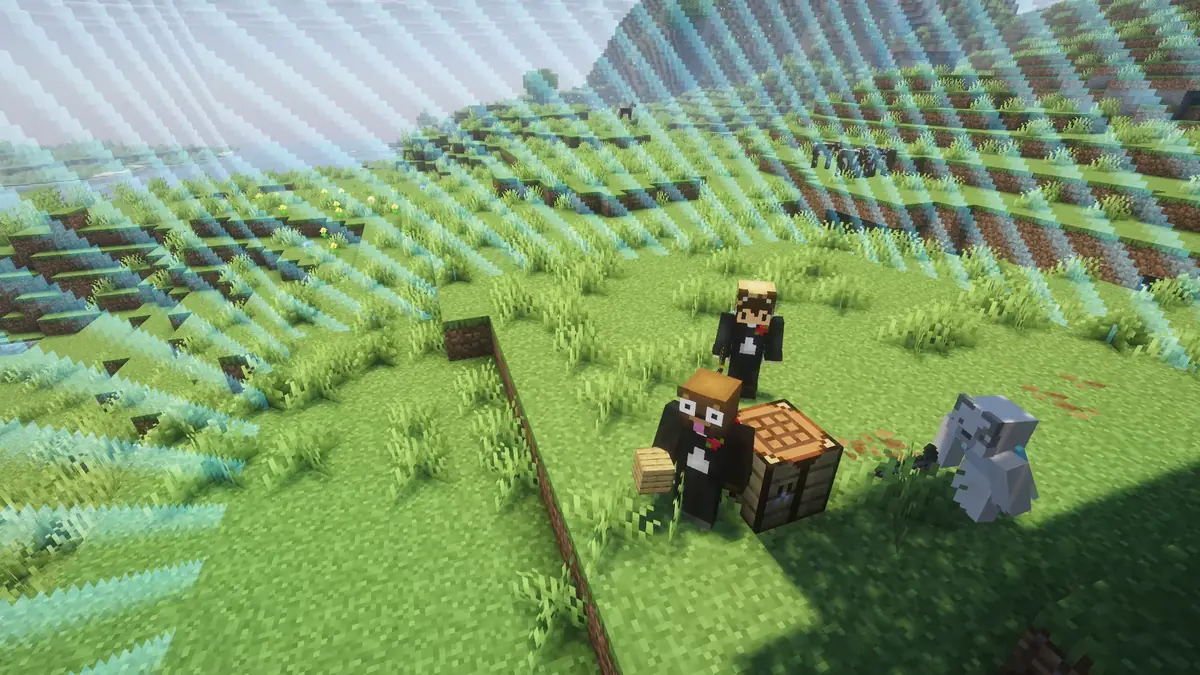
Private Servers for Java + Bedrock
Play with friends on your private challenge server. Your rules, without plugins or hosting.
Java 1.21.11 – 26.3 · Bedrock
Java & Bedrock joining guideChoose a ready-made preset in game. You can also set up your server on our website: the configurator lets you combine challenges and adjust goals, rules, and world settings.
Join from Java or Bedrock. Nothing to downloadplay.sparkane.com
Every challenge has a preset. Create your server directly in the lobby.
Once your server is ready, invite your friends with /invite <name>.
Everyone ready? Start the challenge with /timer start.
Start together
Choose your challenge – or combine several rules in the configurator.
Travel between the Overworld and Nether in Dimension Shift, explore Minecraft 26.3 and keep more personal servers for your runs.
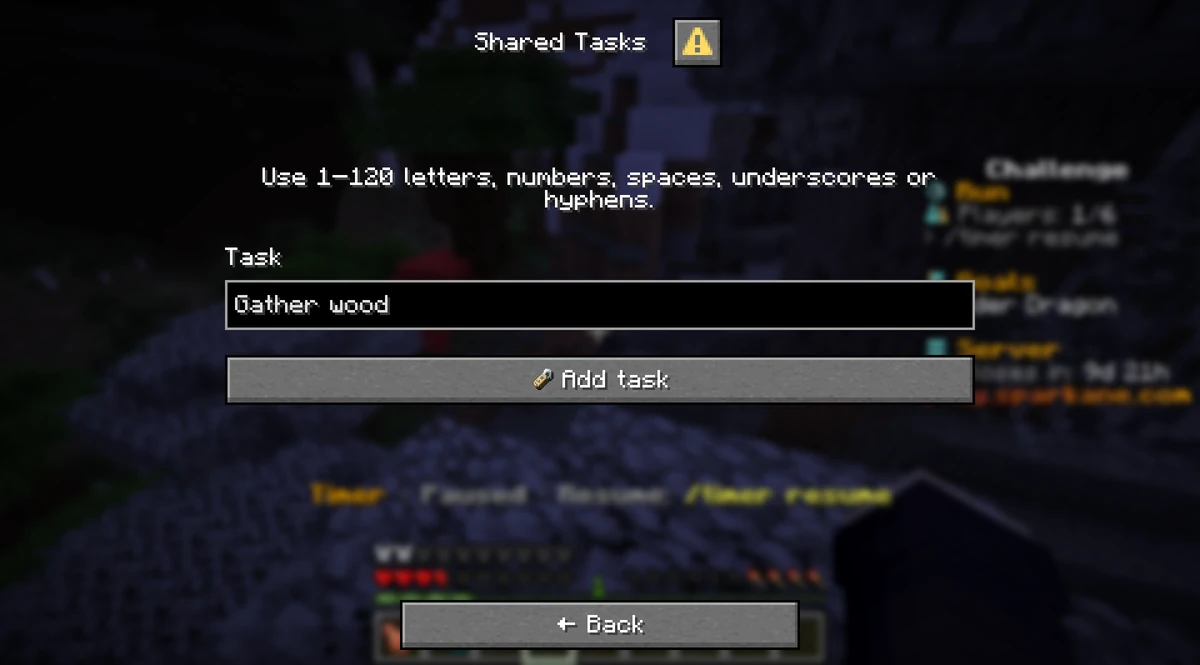
Reset your world or just your progress, plan tasks together and mark important places. Plus, many small improvements for your next Minecraft run.
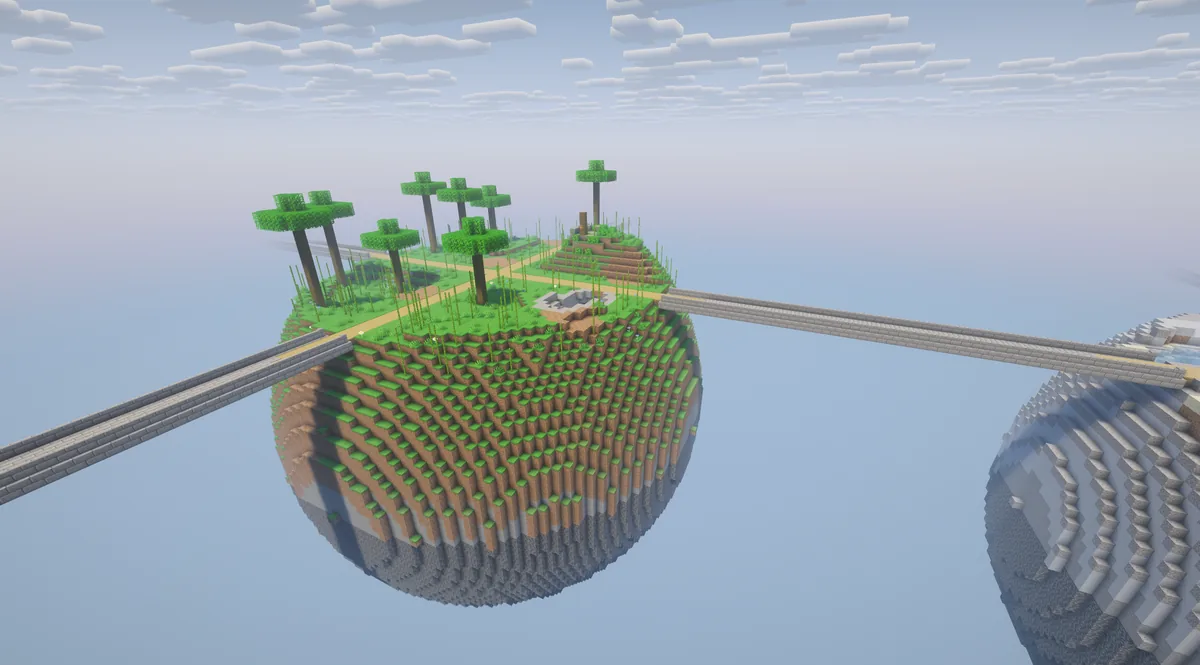
14 new challenges, five new goals and more for your next Minecraft session: discover every change, the shared backpack and new features for friends and parties.
Use Java or Bedrock to create your private server in a few quick steps:
Select “Multiplayer” from the main menu and click “Add Server”
Click “Done” and connect with a double-click
Click “Play” and then select “Servers”
Click “Add Server”
Click “Add and Play”
Playing Bedrock on a console that won’t let you enter a server address? Console setup guide
Private servers, Java, Bedrock, and challenge combinations explained
play.sparkane.com in Minecraft (Java 1.21.11 – 26.3 or Bedrock). Choose a ready-made preset in the lobby and create your server in game. You can also set up your server on our website: the configurator lets you combine challenges and adjust goals, rules, and world settings. Once your server is ready, invite friends and start your run with /timer start./timer pause to freeze the game world and pause your run timer. Use /timer resume to continue. Your server is not deleted for inactivity while you are on it. When everyone leaves, it stops automatically. Discord
Chat with other players, share your achievements, and stay informed about news and updates. Ask questions and find teammates.
Join DiscordCopy the server address and choose your first challenge in the lobby.