
Minecraft challengeNew
Chunk = Block + Mob
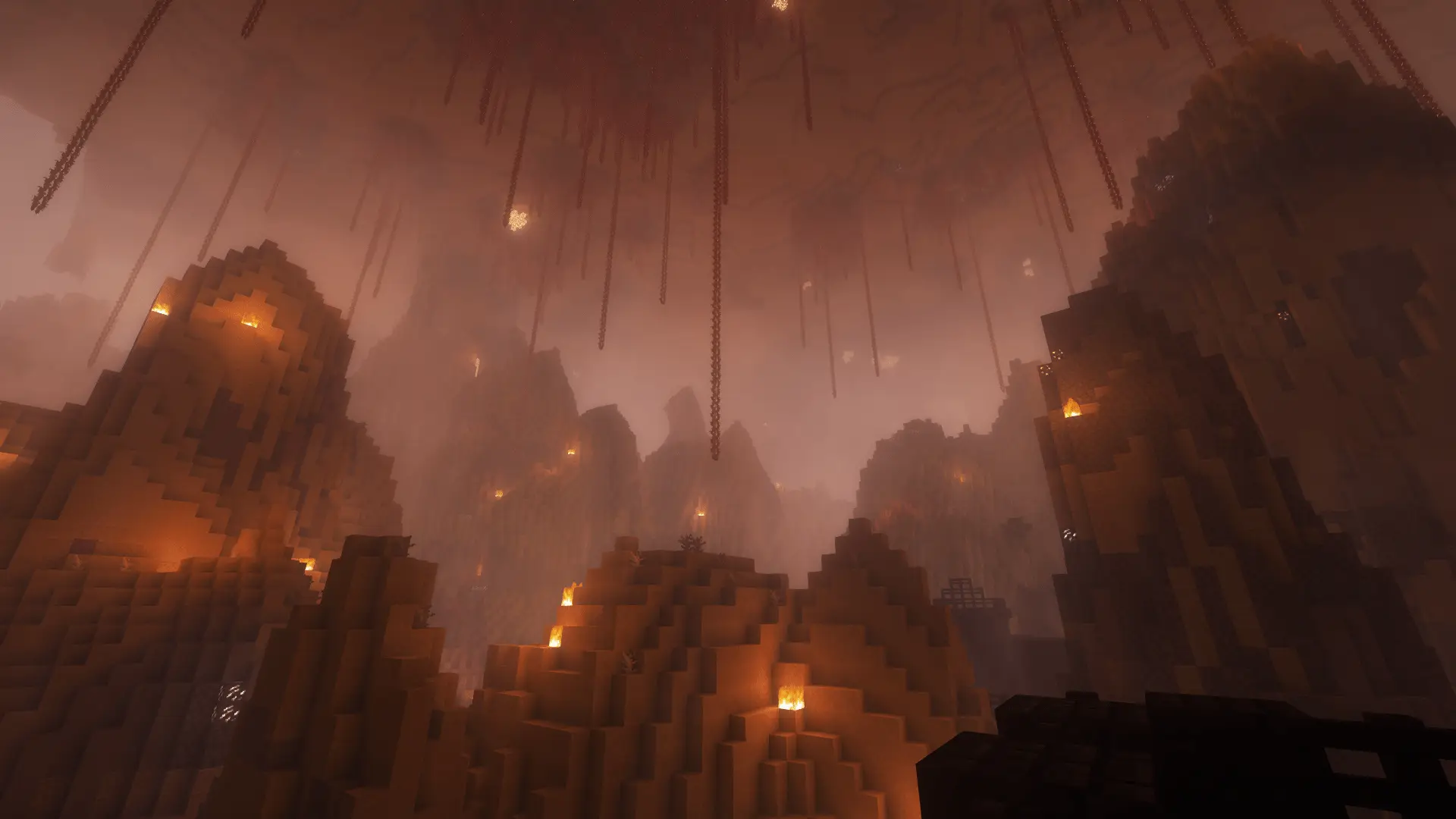
All blocks in a chunk are replaced with the same random block type. In the Overworld and Nether, a mob keeps you inside the chunk. Defeat it together to move on.
- Java & Bedrock
- Private server
- No extra mods
Blocks and mobs
A whole chunk made from the same block type
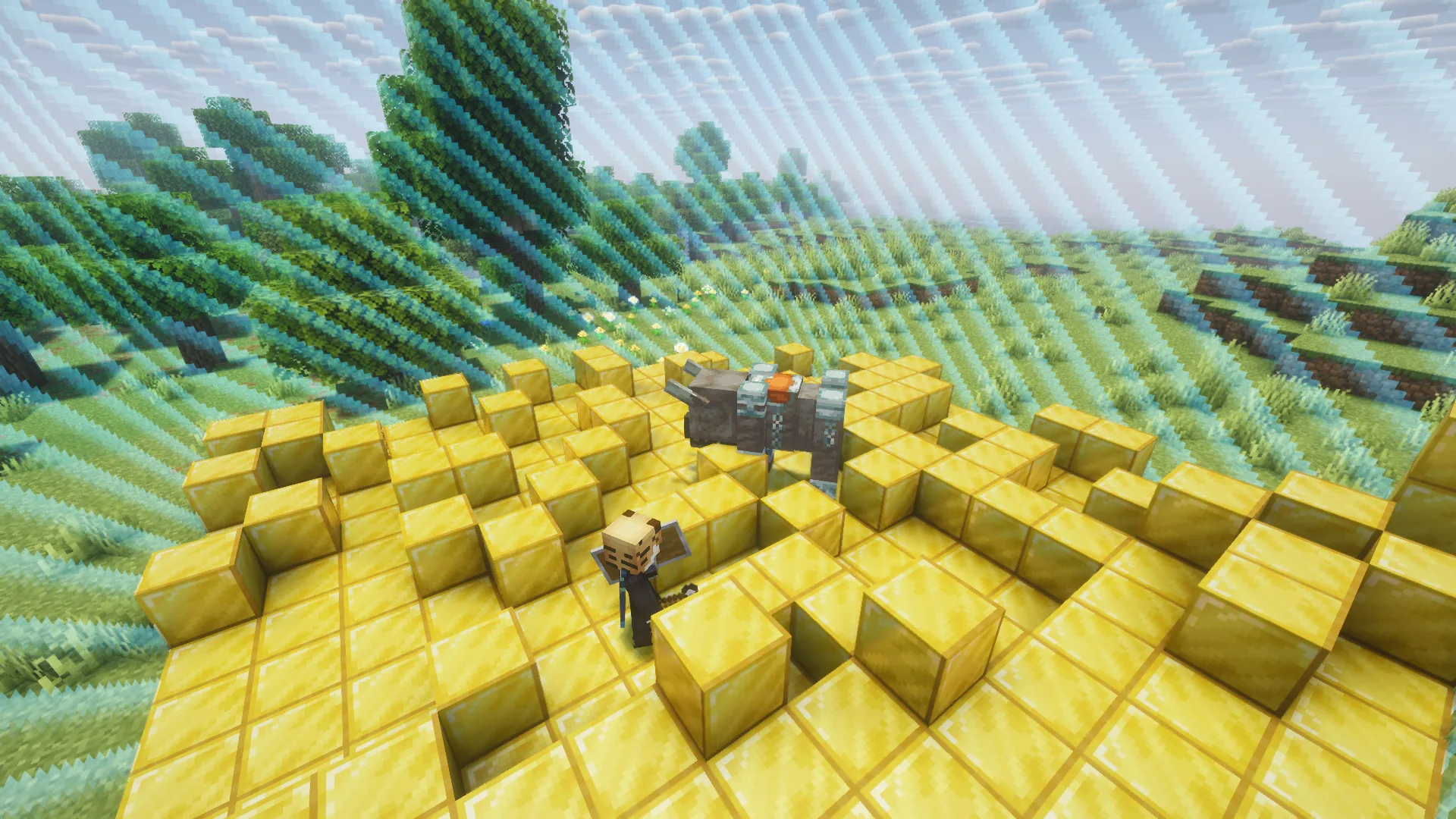
A chunk is an area of 16 × 16 blocks. When you enter a new chunk, its blocks are replaced with the same random block type. For example, one chunk might become stone and the next wood. Air, chests and important portal blocks stay as they are.
In the Overworld and Nether, a mob also waits inside the chunk. While it is alive, you cannot enter the next chunk. Everyone in the same chunk fights the same mob. Defeat it and the border opens for everyone. More wins unlock stronger opponents. If you return to a chunk, its blocks stay the same.
Chests and important portal blocks remain intact. Chunk = Mob is off in the End.
Example round: you enter a chunk whose blocks turn into wood. A skeleton appears and the border closes. Find cover and defeat the skeleton. Now you can enter the next chunk.
What to expect
- The world
- The blocks across the whole chunk are replaced with the same random block type.
- The fights
- Defeat the mob so you can enter the next chunk.
- Your goal
- Gather equipment and complete your chosen Minecraft goal.
Before the border
Prepare before moving on
You do not know which blocks or mob will be in the next chunk. Keep food and a weapon ready.
- 01Keep food and a weapon ready
- Put both in your hotbar before entering the next chunk.
- 02Use cover together
- Distract the mob while your friends attack. Once it is defeated, everyone can move on.
- 03Check chests
- Chests keep their contents. Look for food, tools and other useful items.
More challenges
Less room for your equipment
Hotbar Only gives you just nine inventory slots. Choose carefully what to bring.
- Chunk = Block + Mob + Hotbar Only
- Bring food and a weapon. Decide which blocks you need in the remaining slots.2 simultaneous challenges · Host needs Pro
The configurator shows which rules you can enable together. Some combinations do not suit every goal.
Questions about Chunk = Block + Mob
Blocks, mobs and selection.
What stays intact in a chunk?
Does each player need a separate mob?
Does the preset count as two challenges?
Your first run
Play Chunk = Block + Mob online
You need Minecraft, but no extra mods or server hosting of your own.
- 1
Join Sparkane
Connect to
play.sparkane.com. We support 1.21.11 – 26.3 on Java. The “How to join on Java & Bedrock” guide covers both editions. - 2
Choose your challenge in the lobby
Choose your challenge at the NPC in the lobby. You can play straight away with its preset rules. To change settings or combine challenges, open the browser settings from there.
- 3
Start your server and invite friends
Create your server and wait for it to be ready. Invite friends with
/invite. Java and Bedrock players can play together. - 4
Start the timer and play
Everyone ready? As the host, use
/timer start. You can then break blocks and the challenge rules become active. Use/timer pauseand/timer resumeto take a break and continue your run.