
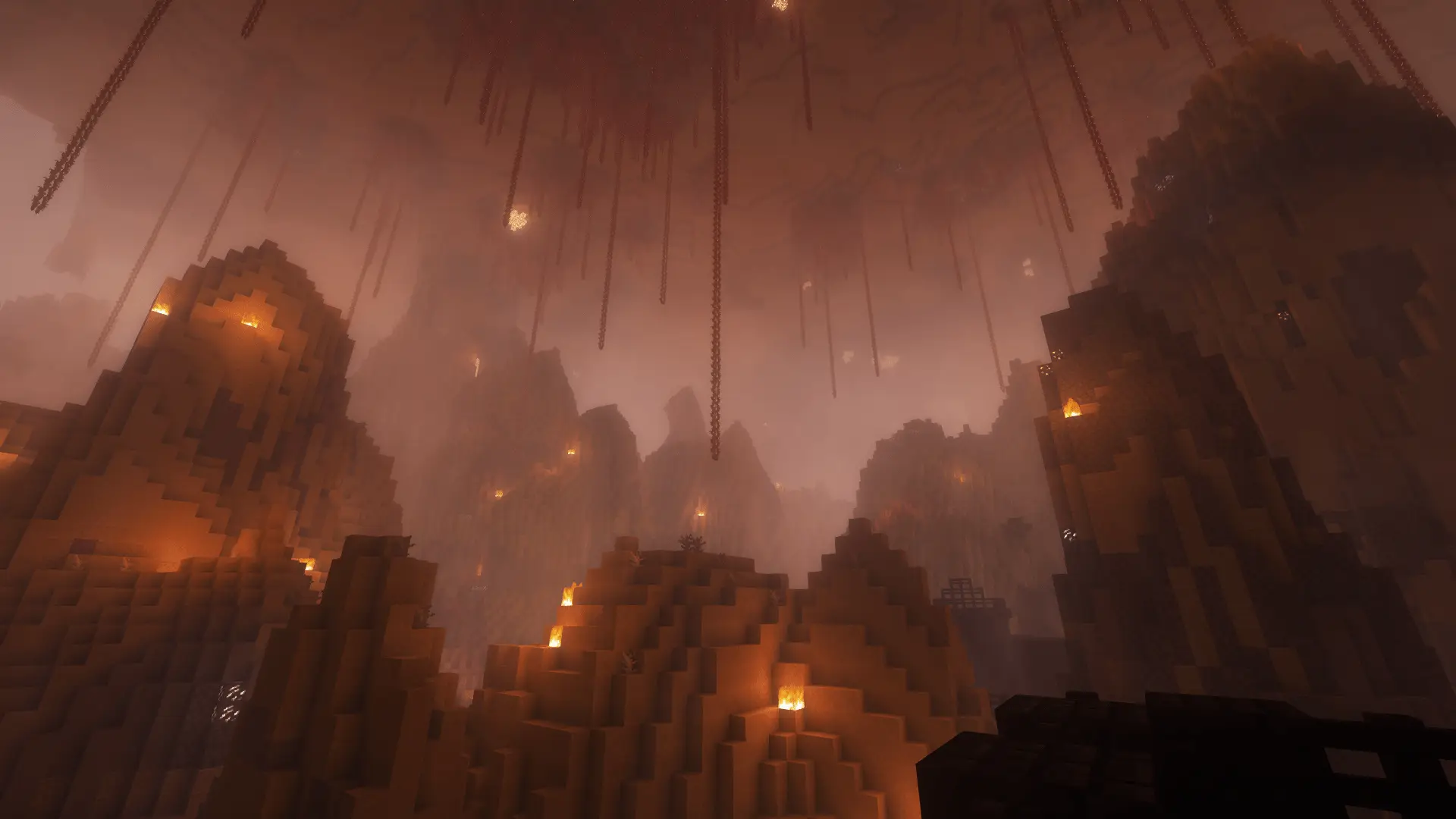
Minecraft challengeUpdate
Chunk = Mob
One random mob waits in each Overworld or Nether chunk you enter. Defeat it before moving on. Even with three players, there is only one mob per chunk.
- Java & Bedrock
- Private server
- No extra mods
The rule
Kill the mob, then move on
A chunk is an area of 16 × 16 blocks. A mob waits in your starting Overworld or Nether chunk. A mob spawns whenever you enter a chunk, even if you have been there before. Everyone in the same chunk shares one mob. Your borders stay closed while it is alive.
After the kill, you can move on. Staying in the chunk does not immediately spawn another mob. Returning to it does. The boss bar at the top shows the mob and its health. The arrow tells you which way to look. It also shows the distance and whether the mob is above or below you. Your timer stays visible.
This applies in the Overworld and Nether. You can move freely in the End.
Example round: You enter the next chunk. A skeleton spawns and the border closes. You move behind a block, block its arrows with your shield and kill the skeleton. Now you can move on.
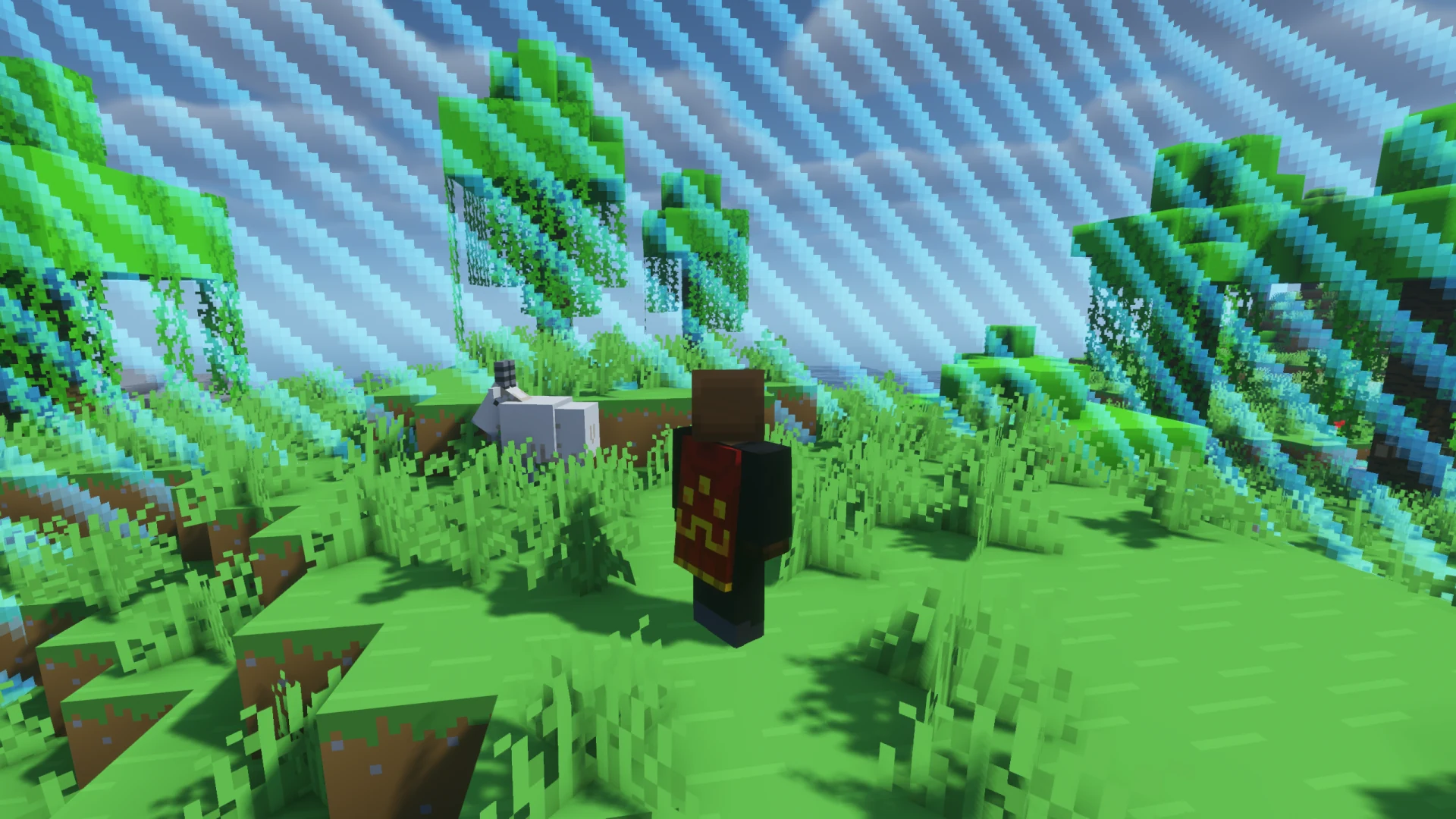
What to expect
- The rule
- One mob per chunk you enter. Defeat it together to move on.
- The mobs
- Animals and monsters are included. Your shared wins unlock stronger mobs.
- Your goal
- Keep working toward your chosen goal. The mobs slow you down along the way.
Before the next chunk
What helps?
You do not know which mob will spawn. Bring food, a weapon and a shield.
- 01Keep food and a weapon ready
- Keep them in your hotbar so you do not have to search your inventory during a fight.
- 02Watch where you stand
- Try not to cross a chunk border beside a drop. Once the mob spawns, you can only dodge within your chunk.
- 03Follow the arrow
- Cannot see your mob? Check the boss bar. Its arrow, distance and height difference help you find it.
- 04Help each other
- Anyone can kill the shared mob. Everyone’s border opens when they do.
More challenges
What can you add?
These challenges change the equipment you have available for the mobs.
- Chunk = Mob + Block Drop Randomizer
- Each block type gets one fixed random drop. Find a weapon and food for the next mobs.2 simultaneous challenges · Host needs Pro
- Chunk = Mob + Hotbar Only
- You only have nine inventory slots. Split them between your weapon, food and other items.2 simultaneous challenges · Host needs Pro
- Chunk = Mob + No Armor
- You cannot wear armor. A shield and blocks for cover help against the monsters.2 simultaneous challenges · Host needs Pro
The configurator shows which rules you can enable together. Some combinations do not suit every goal.
Questions about Chunk = Mob
Mobs, difficulty, death and the End.
Which mobs can spawn?
When do stronger mobs unlock?
Do mobs gain extra health and damage?
How does multiplayer work?
What happens if I die?
What happens in the End?
Your first run
Play Chunk = Mob online
You need Minecraft, but no extra mods or server hosting of your own.
- 1
Join Sparkane
Connect to
play.sparkane.com. We support 1.21.11 – 26.3 on Java. The “How to join on Java & Bedrock” guide covers both editions. - 2
Choose your challenge in the lobby
Choose your challenge at the NPC in the lobby. You can play straight away with its preset rules. To change settings or combine challenges, open the browser settings from there.
- 3
Start your server and invite friends
Create your server and wait for it to be ready. Invite friends with
/invite. Java and Bedrock players can play together. - 4
Start the timer and play
Everyone ready? As the host, use
/timer start. You can then break blocks and the challenge rules become active. Use/timer pauseand/timer resumeto take a break and continue your run.