
Minecraft challenge
TNT Follows You
TNT appears above every active player every ten seconds. It explodes three seconds later. Keep moving!
- Java & Bedrock
- Private server
- No extra mods
The next blast
Quiet moments are brief
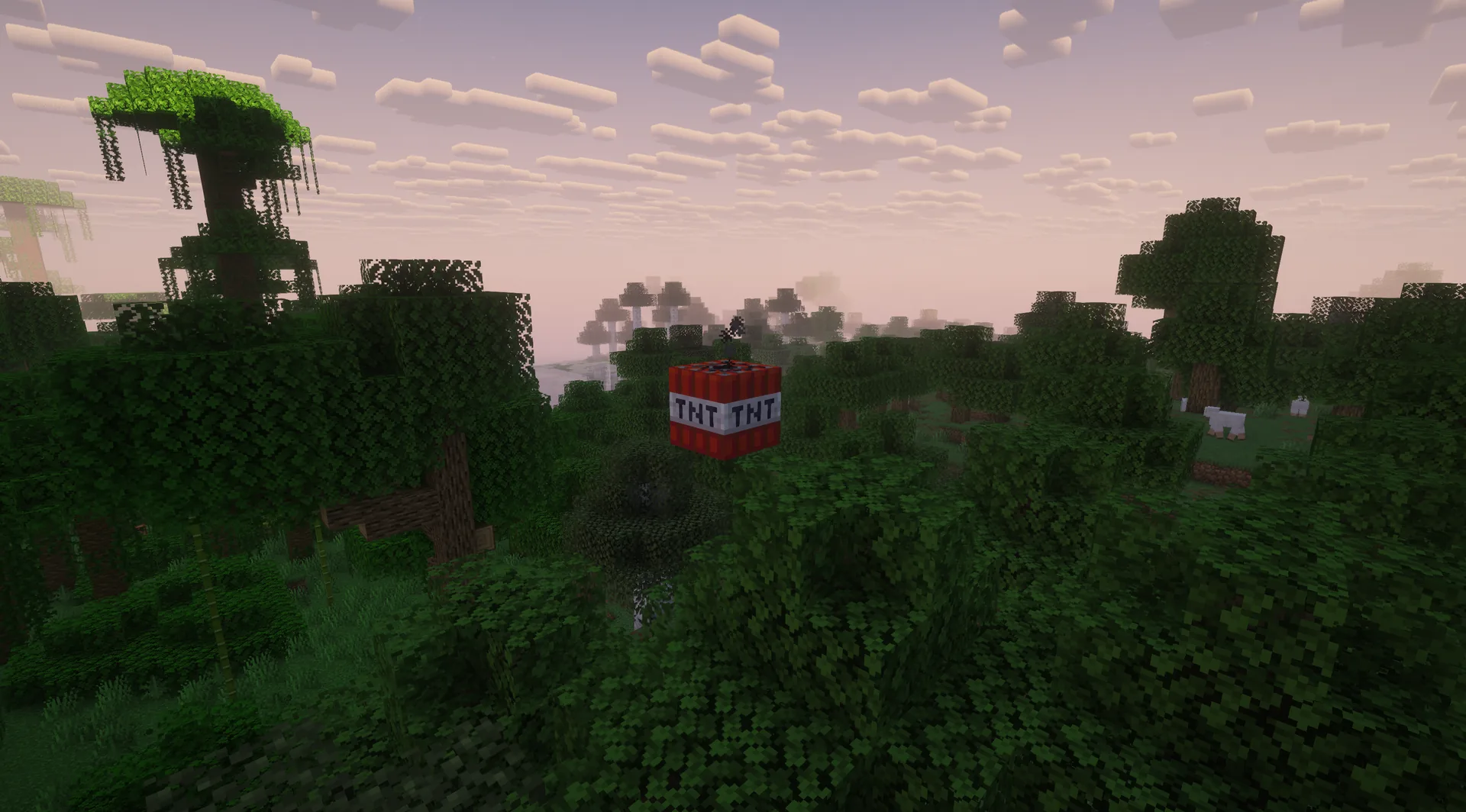
During a running attempt, primed TNT appears two blocks above every active participant every ten seconds by default. A warning signals danger; the default fuse lasts three seconds.
The optional Increasing Difficulty setting starts off. If enabled, it shortens the interval to eight and six seconds after ten and twenty minutes of active run time. The fuse length stays the same.
With optional Increasing Difficulty, the interval later drops to eight and six seconds.
Example round: a warning appears while you mine. You stop digging and dodge instead of waiting for the blast inside a narrow pocket.
What to expect from your run
- Rule complexity
- Dodge recurring TNT after a brief warning.
- Experience
- Quick reactions and clear escape routes help.
- Time commitment
- The rule interrupts every task; your goal and preparation determine the run length.
Keep moving
Tips for TNT Follows You
Know where to dodge before the warning appears.
- 01Keep an exit open
- Avoid mining deep into a dead end you cannot leave in three seconds.
- 02React to the warning
- Stop crafting or sorting your inventory when TNT appears.
- 03Give teammates room
- TNT appears for every active player. Avoid gathering in the same cramped spot.
Another twist
Combine TNT Follows You
A second rule makes dodging harder.
- TNT Follows You + Biome = Effect
- Discover safer routes through biomes while recurring TNT keeps you moving.2 simultaneous challenges · Host needs Pro
The configurator shows which rules you can enable together. Some combinations do not suit every goal.
TNT Follows You FAQ
Timing, warnings and options.
How often does TNT appear?
Does it get faster during the run?
Does the countdown continue during a pause?
Your first run
Start your TNT Follows You run
You need Minecraft, but no extra mods or server hosting of your own.
- 1
Join Sparkane
Connect to
play.sparkane.com. We support 1.21.11 – 26.3 on Java. The “How to join on Java & Bedrock” guide covers both editions. - 2
Choose your challenge in the lobby
Choose the ready-made preset for your challenge at the NPC in the lobby. Its goal and rules are already set. To change them or combine challenges, open the optional web configurator.
- 3
Start your server and invite friends
Create your server from the preset or your custom configuration and wait for your server to be ready. Invite friends with
/invite <Name>. Java and Bedrock players can play together. - 4
Start the timer and play
Everyone ready? As the host, use
/timer start. You can then break blocks and the challenge rules become active. Use/timer pauseand/timer resumeto take a break and continue your run.