
Minecraft challenge
Bedrock Wall
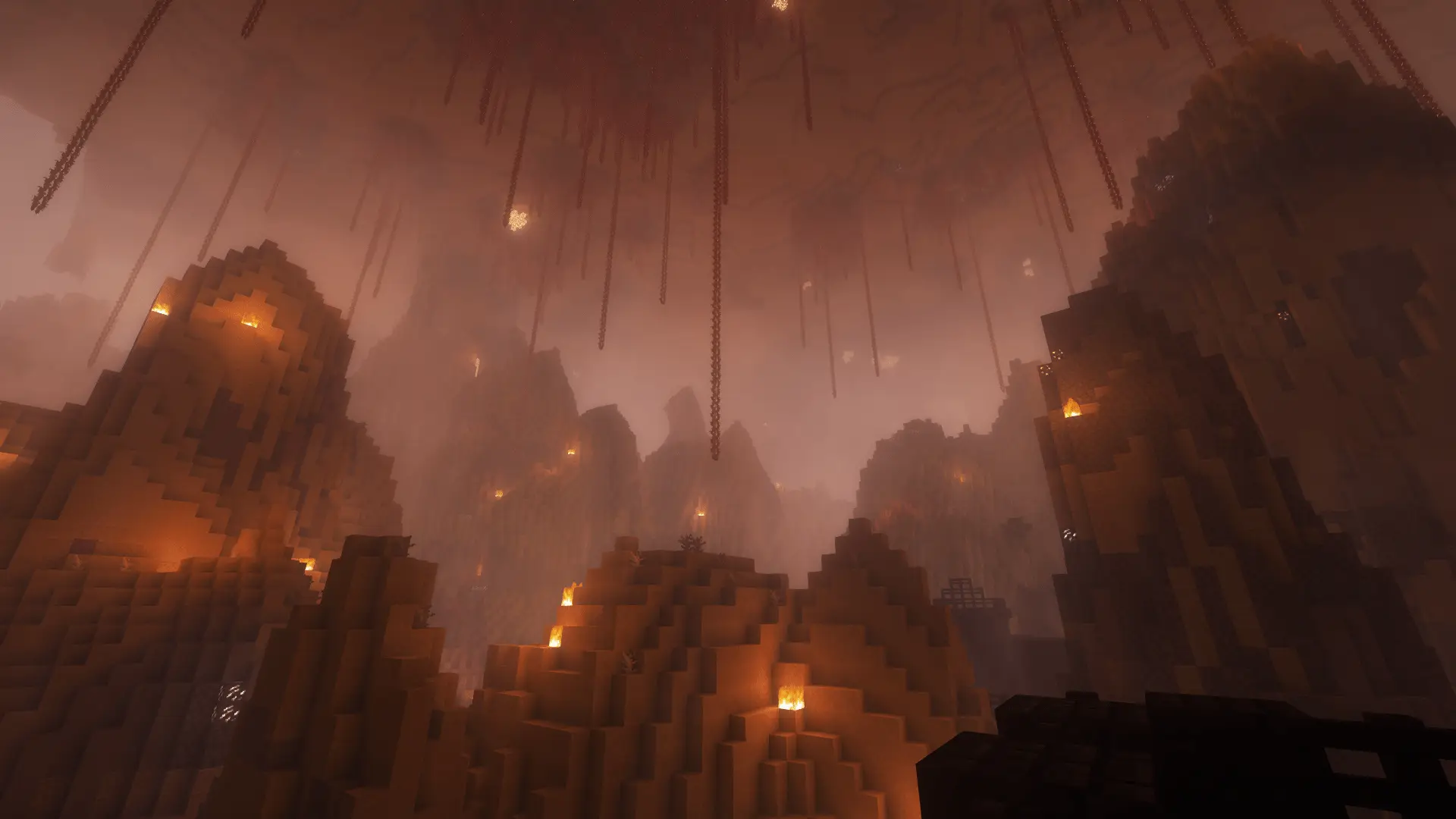
Indestructible bedrock columns appear where you walked a moment ago. Plan your route before you trap yourself.
- Java & Bedrock
- Private server
- No extra mods
Footsteps become walls
Your way back disappears
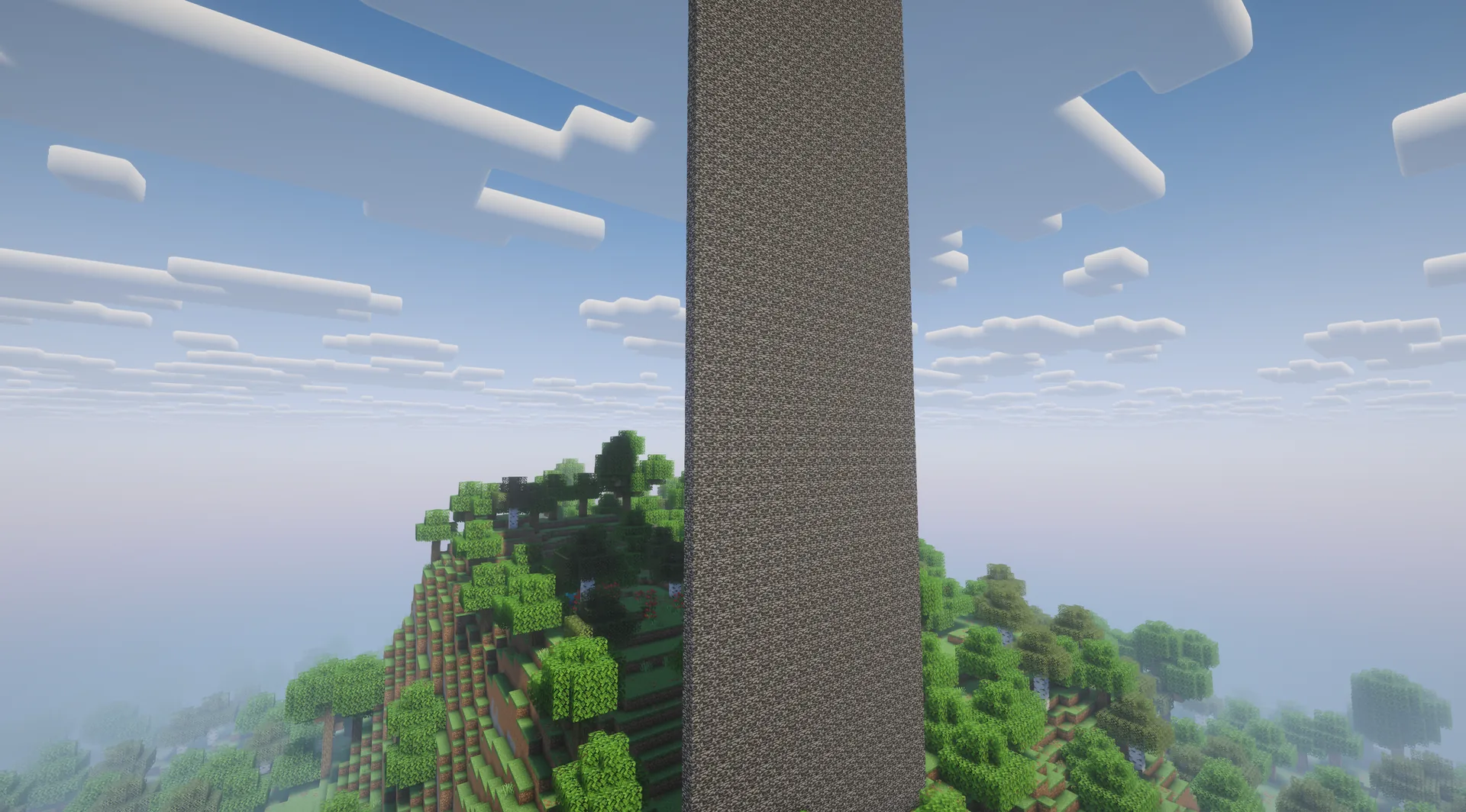
During a running attempt, the challenge remembers horizontal columns you enter. After ten seconds by default, they become tall bedrock columns. Placed columns remain.
The rule applies in the Overworld and Nether. A player caught inside a column takes damage. A detour, wide room or prepared turn can make the difference.
The rule closes visited columns; it does not push one flat wall across the world.
Example round: you enter a narrow corridor to reach a chest. Ten seconds later, columns close your old path. You need an exit plan before opening the chest.
What to expect from your run
- Rule complexity
- Visited columns become permanently blocked after a short delay.
- Experience
- Spatial planning and quick decisions help, especially in tight passages.
- Time commitment
- Pressure grows as you move; your route determines the time needed for your goal.
Think ahead
Tips for Bedrock Wall
Treat every new column as a place that may soon be blocked.
- 01Avoid narrow corridors
- A tunnel you just crossed can close behind you. Seek wider routes or alternatives.
- 02Plan before looting
- Check the exit before entering a dead end or chamber.
- 03Watch the Nether
- The rule follows you there too. Keep a route to portals and important places.
Another twist
Combine Bedrock Wall
Extra rules can make escape routes even harder.
- Bedrock Wall + TNT Follows You
- Keep ahead of your old trail while leaving room to dodge the next TNT.2 simultaneous challenges · Host needs Pro
The configurator shows which rules you can enable together. Some combinations do not suit every goal.
Bedrock Wall FAQ
How the bedrock trail works.
Does one continuous wall move toward me?
Can I mine the columns?
Does it work in the End?
Your first run
Start your Bedrock Wall run
You need Minecraft, but no extra mods or server hosting of your own.
- 1
Join Sparkane
Connect to
play.sparkane.com. We support 1.21.11 – 26.3 on Java. The “How to join on Java & Bedrock” guide covers both editions. - 2
Choose your challenge in the lobby
Choose the ready-made preset for your challenge at the NPC in the lobby. Its goal and rules are already set. To change them or combine challenges, open the optional web configurator.
- 3
Start your server and invite friends
Create your server from the preset or your custom configuration and wait for your server to be ready. Invite friends with
/invite <Name>. Java and Bedrock players can play together. - 4
Start the timer and play
Everyone ready? As the host, use
/timer start. You can then break blocks and the challenge rules become active. Use/timer pauseand/timer resumeto take a break and continue your run.