
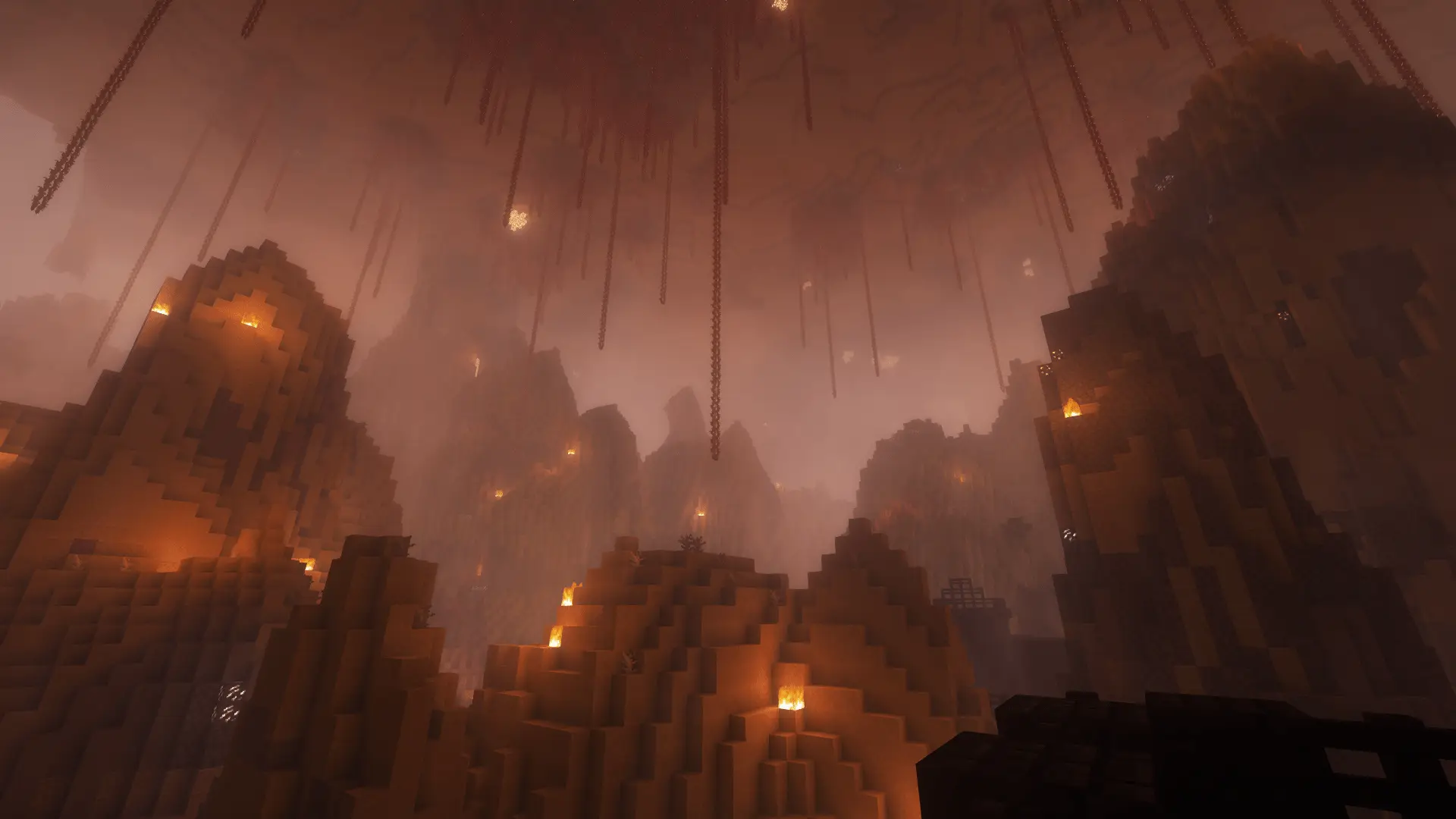
Minecraft challenge
Biome = Effect
One step into the next biome can change everything. Each biome has a fixed effect randomly assigned for your run.
- Java & Bedrock
- Private server
- No extra mods
Your surroundings matter
The map changes your plan
The challenge randomly assigns the server’s registered effects to biomes and saves that assignment for your run. Enter a biome to discover its effect. Some help, some harm; instant effects are possible too.
Ongoing effects refresh while you stay in a biome. Instant effects apply once on entry. Discovered assignments help your team find useful places and avoid dangerous routes later.
The assignment stays stable during the run and is discovered together.
Example round: at a forest edge, the display reveals a helpful effect. Your team remembers the location. At the next biome, you check the effect before everyone follows.
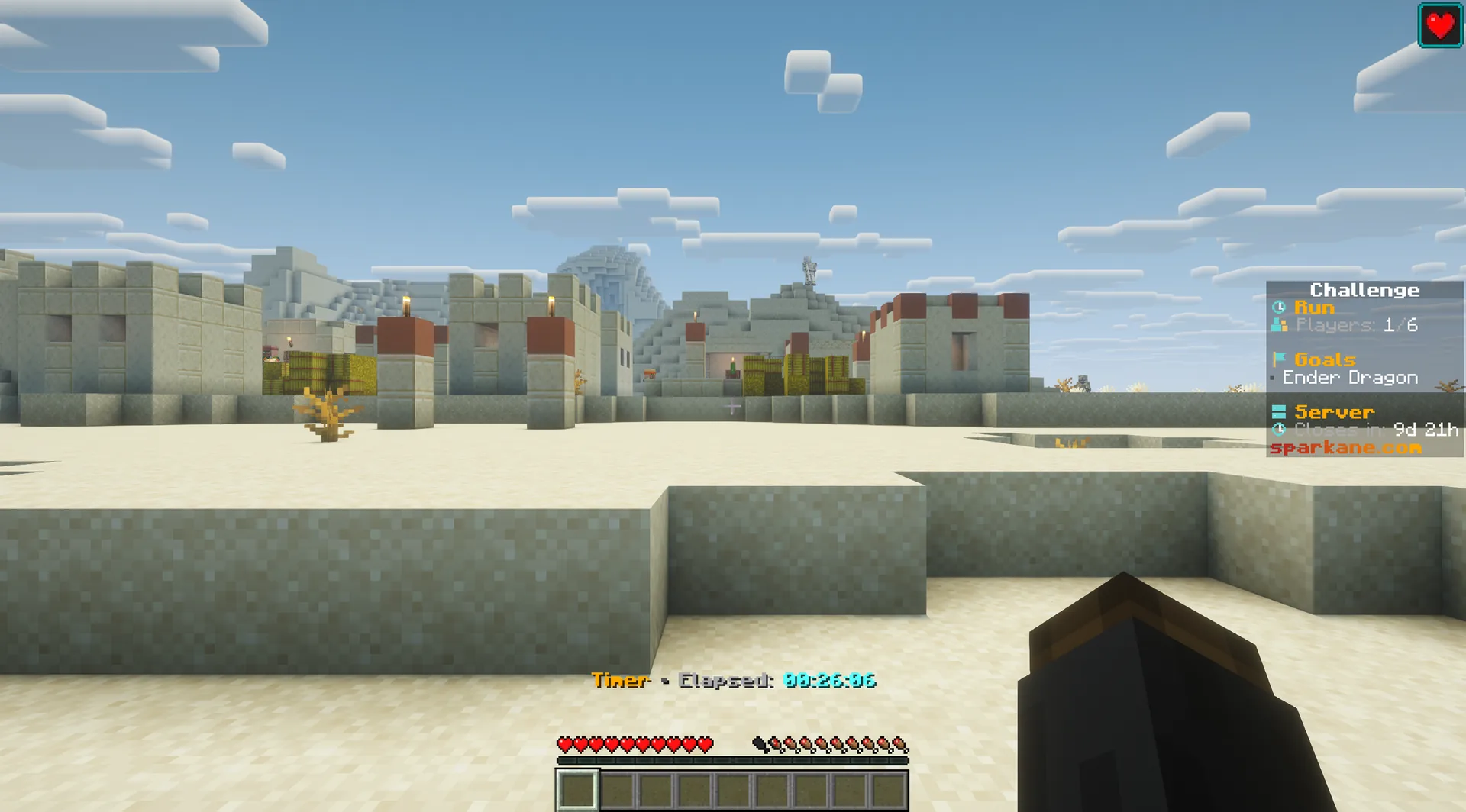
What to expect from your run
- Rule complexity
- Discover biome effects and choose routes around their impact.
- Experience
- Knowing Minecraft effects and exploring carefully help.
- Time commitment
- Exploration takes time; the random assignment changes your plan.
Read the world
Tips for Biome = Effect
A discovered biome can be a refuge or an obstacle.
- 01Check each new effect
- Read the entry hint immediately and decide whether to stay or return.
- 02Remember useful places
- Mark biome borders and return to helpful effects when needed.
- 03Share discoveries
- Use
/discoveriesto look up biome effects your team has already observed.
Another twist
Combine Biome = Effect
A second rule makes the next biome choice more important.
- Biome = Effect + One Line
- Biomes change along the narrow world. Check each new effect as you continue.2 simultaneous challenges · Host needs Pro
The configurator shows which rules you can enable together. Some combinations do not suit every goal.
Biome = Effect FAQ
How the random biome effects work.
Does a biome’s effect change constantly?
Are all effects positive?
Does an instant effect repeat every second?
Your first run
Start your Biome = Effect run
You need Minecraft, but no extra mods or server hosting of your own.
- 1
Join Sparkane
Connect to
play.sparkane.com. We support 1.21.11 – 26.3 on Java. The “How to join on Java & Bedrock” guide covers both editions. - 2
Choose your challenge in the lobby
Choose the ready-made preset for your challenge at the NPC in the lobby. Its goal and rules are already set. To change them or combine challenges, open the optional web configurator.
- 3
Start your server and invite friends
Create your server from the preset or your custom configuration and wait for your server to be ready. Invite friends with
/invite <Name>. Java and Bedrock players can play together. - 4
Start the timer and play
Everyone ready? As the host, use
/timer start. You can then break blocks and the challenge rules become active. Use/timer pauseand/timer resumeto take a break and continue your run.