
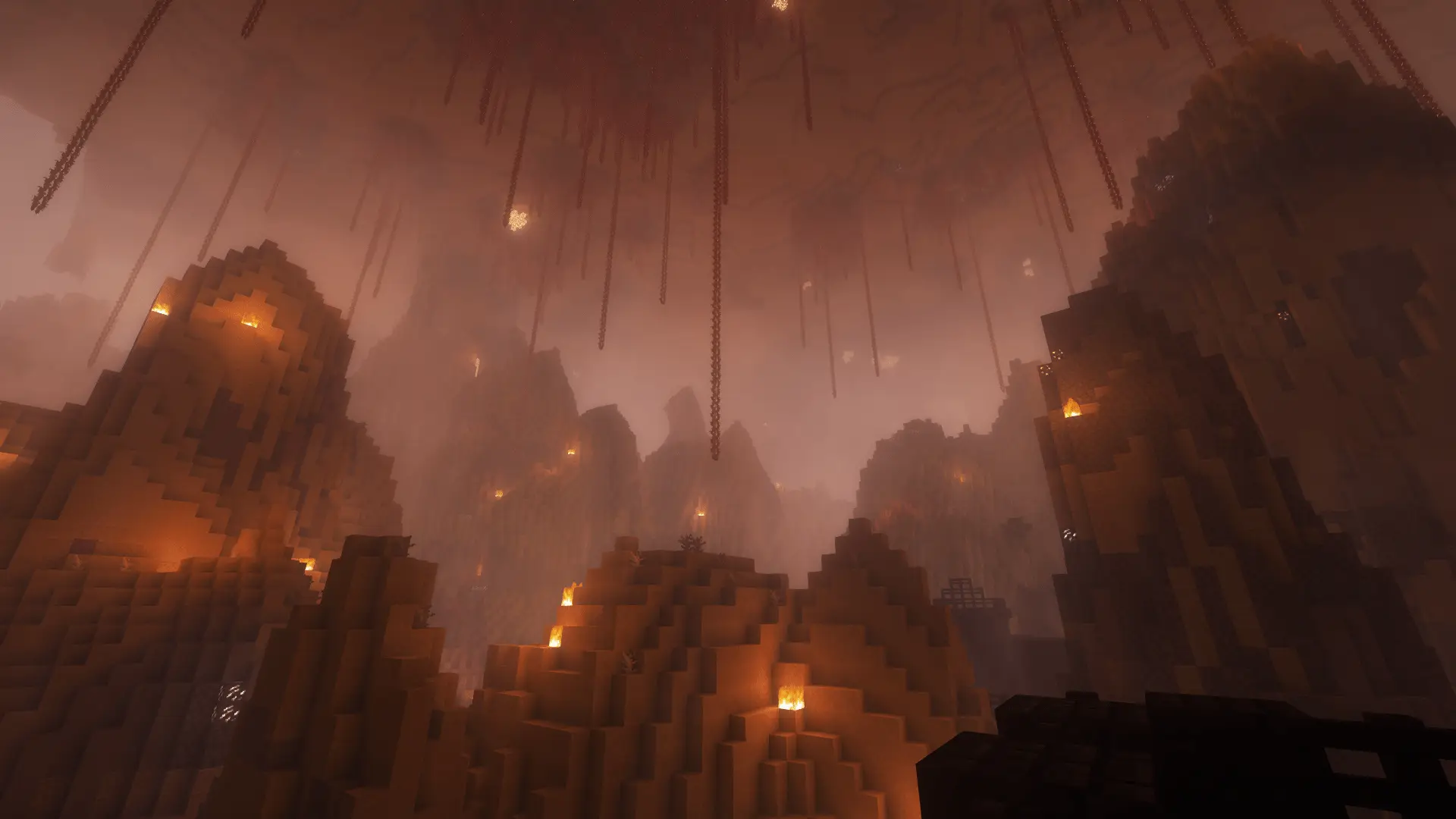
Minecraft challenge
Protect Your Wolf
Each of you gets a wolf bearing your name. Guide your companions safely through the world: if one dies, the whole team loses the run.
- Java & Bedrock
- Private server
- No extra mods
Travel together
Your wolf is part of the team
When the run starts, each active participant receives a named wolf. It follows its player across dimensions and catches up when far away.
Enemies, lava and falls can put it in danger. As soon as one of your wolves dies, the entire run ends in failure. Your wolves do not attack players or wolves with owners.
Your wolves do not attack players or tamed wolves.
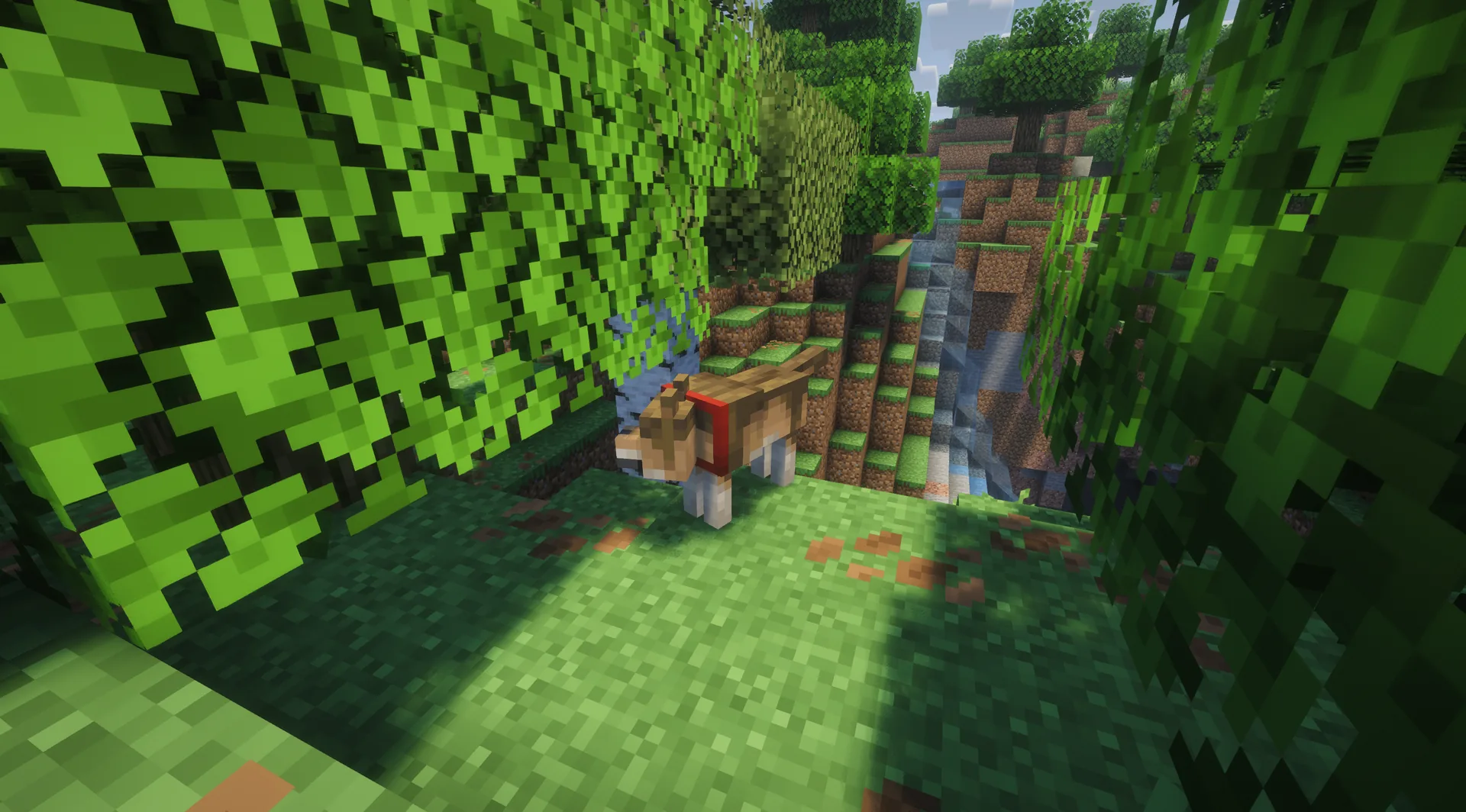
Example round: your team stops before a ravine. You build a wide crossing and check the route before moving on with your wolves.
What to expect from your run
- Rule complexity
- Keep every named wolf alive while pursuing your chosen goal.
- Experience
- Safe routes, teamwork and attention to companions help.
- Time commitment
- Careful travel can take longer; there is no fixed run length.
Watch each other
Tips for protecting your wolf
Remember the companion beside you whenever you choose a risky path.
- 01Build safe crossings
- Wider paths over lava, water or ravines help the whole team.
- 02Choose fights carefully
- Keep dangerous enemies away from the wolves and leave room to retreat.
- 03Wait for the team
- Move on together once every player and wolf has passed a difficult section.
Another twist
Combine Protect Your Wolf
A second rule can make safe travel harder.
- Protect Your Wolf + Biome = Effect
- Watch new biome effects before taking your companion into unknown terrain.2 simultaneous challenges · Host needs Pro
The configurator shows which rules you can enable together. Some combinations do not suit every goal.
Protect Your Wolf FAQ
The rules for your shared companions.
Does every player get a wolf?
What happens if a wolf dies?
Can I leave my wolf behind?
Can our wolves attack each other?
Your first run
Start your Protect Your Wolf run
You need Minecraft, but no extra mods or server hosting of your own.
- 1
Join Sparkane
Connect to
play.sparkane.com. We support 1.21.11 – 26.3 on Java. The “How to join on Java & Bedrock” guide covers both editions. - 2
Choose your challenge in the lobby
Choose the ready-made preset for your challenge at the NPC in the lobby. Its goal and rules are already set. To change them or combine challenges, open the optional web configurator.
- 3
Start your server and invite friends
Create your server from the preset or your custom configuration and wait for your server to be ready. Invite friends with
/invite <Name>. Java and Bedrock players can play together. - 4
Start the timer and play
Everyone ready? As the host, use
/timer start. You can then break blocks and the challenge rules become active. Use/timer pauseand/timer resumeto take a break and continue your run.