
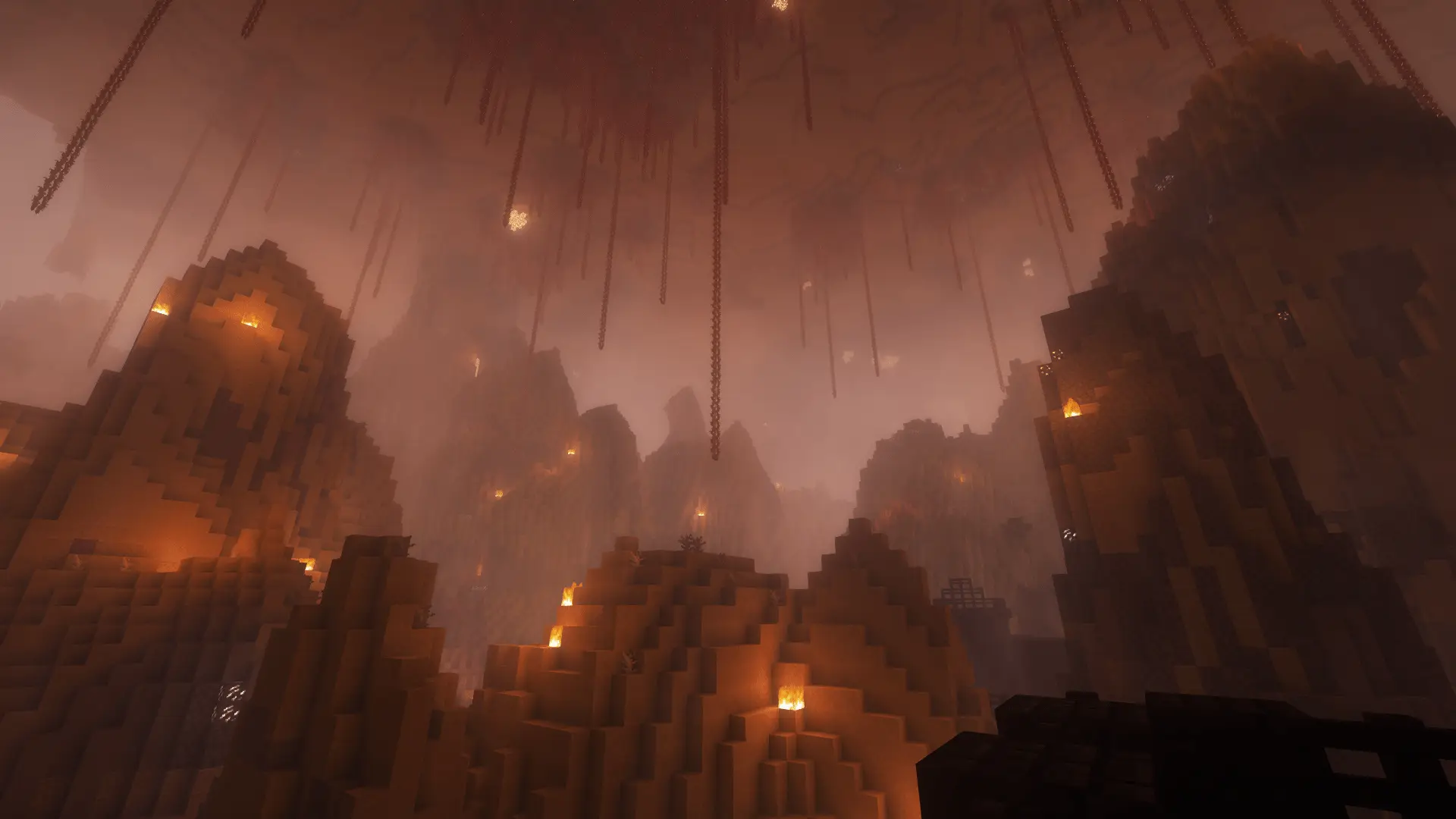
Minecraft challenge
Jump = Mob
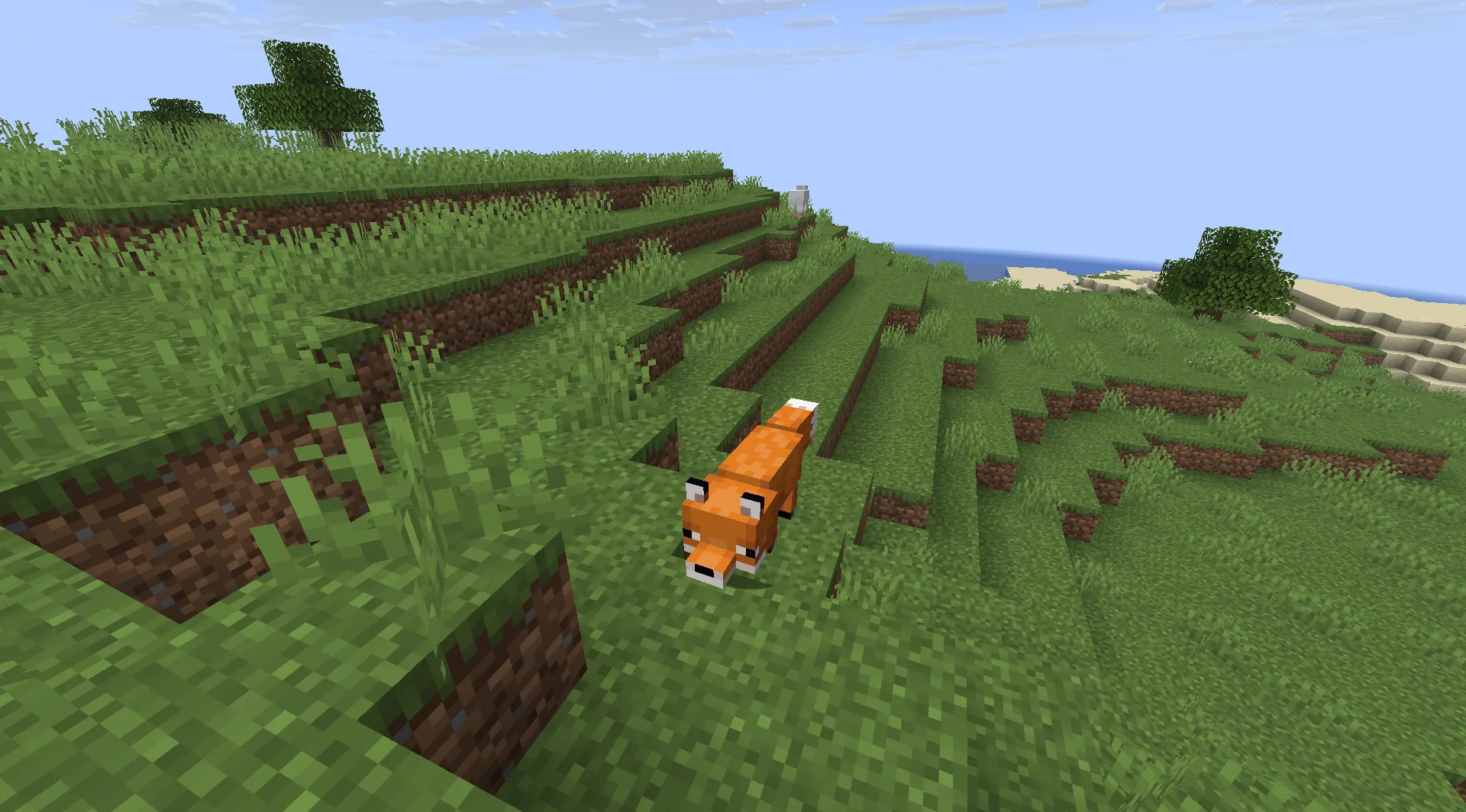
You press the jump key and a mob appears beside you. It might be a fox or a monster. Will you jump anyway or build yourself a path?
- Java & Bedrock
- Private server
- No extra mods
Every jump counts
Every jump brings company
While the run is active, every jump spawns a mob where you take off. By default, it is one random mob. Different run settings can change the mobs or make several appear at once.
Even a small jump over a gap counts. Build a bridge instead if you cannot handle another mob right now.
While the run is active, a mob can appear after every jump. The mob selection and count come from your run settings.
Example round: a block is missing from the path ahead. You could jump over it, but you only have two hearts left. You fill the gap with a block and walk across without spawning another mob.
What to expect from your run
- Rule complexity
- Count your jumps and plan for the mob that may appear after each one.
- Experience
- Building paths, controlling movement and reacting quickly in combat help.
- Time commitment
- Detours and extra fights make the route longer.
Before you take off
Tips for Jump = Mob
Press the jump key only when you really want the extra mob.
- 01Build bridges first
- Fill small gaps with blocks when you want to avoid an extra mob beside you.
- 02Leave room to fight
- After an unavoidable jump, leave enough visibility and space to fight the new mob safely.
- 03Plan with friends
- You and your friends can split the route: one player builds while the others watch where the next mob will appear.
Another challenge
Combine Jump = Mob with Giant
Your larger player model needs room while a mob may appear after every jump.
- Jump = Mob + Giant
- You move through the world at a larger scale while planning for another mob after every jump.2 simultaneous challenges · Host needs Pro
The configurator shows which rules you can enable together. Some combinations do not suit every goal.
Jump = Mob FAQ
Which jumps count and where the mobs appear.
Does every jump create a mob?
Where does the mob appear?
Can I cross small height changes without jumping?
Your first run
Set up your Jump = Mob run
You need Minecraft, but no extra mods or server hosting of your own.
- 1
Join Sparkane
Connect to
play.sparkane.com. We support 1.21.11 – 26.3 on Java. The “How to join on Java & Bedrock” guide covers both editions. - 2
Choose your challenge in the lobby
Choose the ready-made preset for your challenge at the NPC in the lobby. Its goal and rules are already set. To change them or combine challenges, open the optional web configurator.
- 3
Start your server and invite friends
Create your server from the preset or your custom configuration and wait for your server to be ready. Invite friends with
/invite <Name>. Java and Bedrock players can play together. - 4
Start the timer and play
Everyone ready? As the host, use
/timer start. You can then break blocks and the challenge rules become active. Use/timer pauseand/timer resumeto take a break and continue your run.