
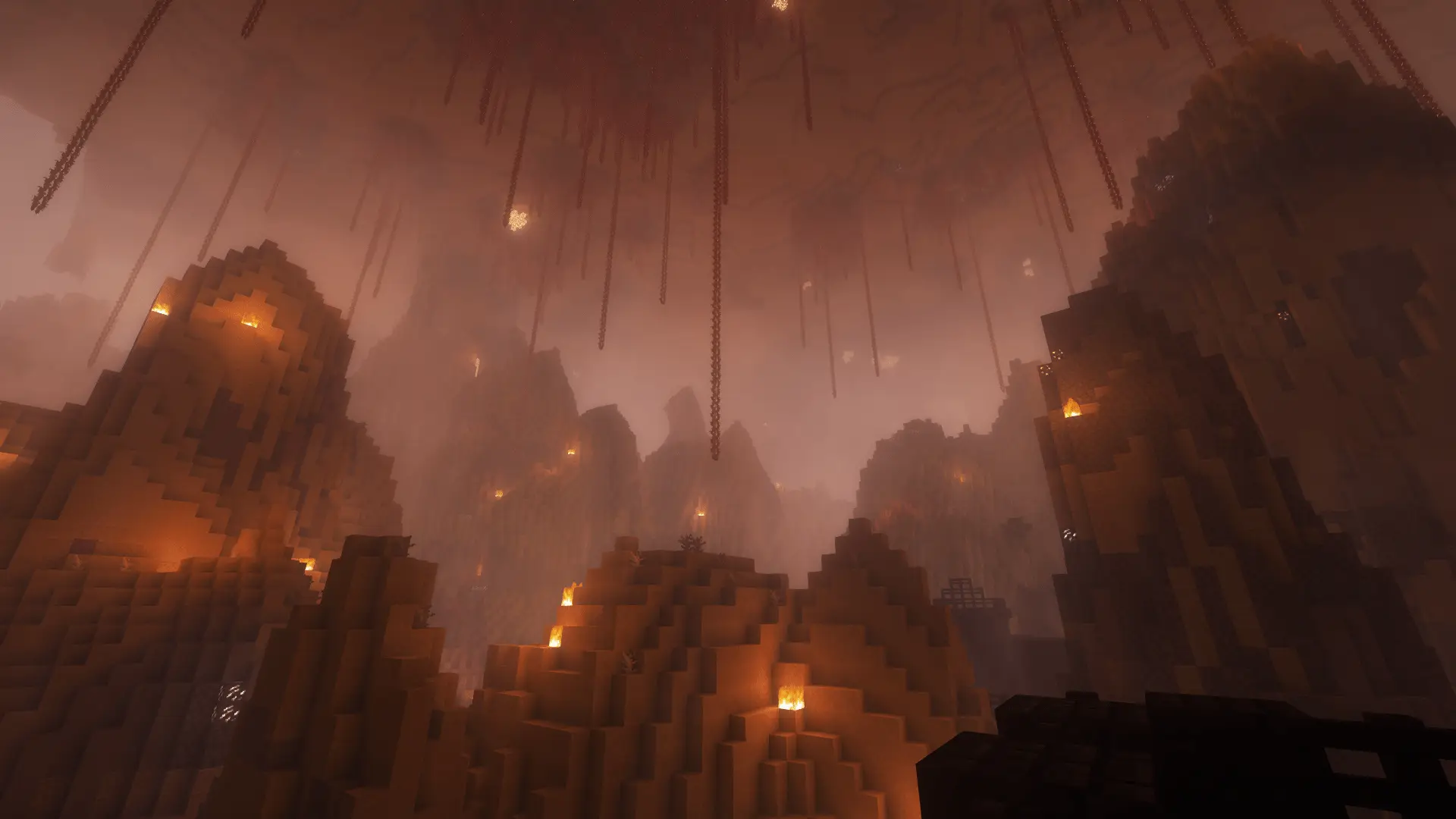
Minecraft challenge
Damage Teleport
A skeleton hits you. Suddenly you are somewhere else. You stay in the same dimension, but need to find your way again.
- Java & Bedrock
- Private server
- No extra mods
Damage breaks your route
Your position can change at any time
When you take damage during the run, you can land in a random place a moment later. In the Overworld and Nether, the challenge normally searches 50 to 800 blocks away. The world border and available safe spots can make the distance shorter.
You stay in the same dimension; in the End, you stay on the main island. The challenge looks for a safe landing spot. If it cannot find one, you stay where you are.
After a short delay, the challenge searches for a safe location in the same dimension. Further teleports are blocked for you for 2.5 seconds by default.
Example round: a skeleton hits you while you search for a stronghold. Shortly afterward you stand at another safe location in the same dimension. You check the ground and surroundings before planning the route again.
- Take damageTeleport follows
- Short delayFind safe ground
- Overworld or NetherSearch for a random place
What to expect from your run
- Rule complexity
- After damage, check where you landed and look for hazards.
- Experience
- Remembering mountains, buildings and other landmarks helps you find your way.
- Time commitment
- You can land far from your mine or stronghold. Finding your way back takes extra time.
After taking damage
Tips for Damage Teleport
Treat every landing as a new starting point.
- 01Choose a safer fight location
- Avoid lava, fire, cacti and other hazards before you start a fight.
- 02Tell friends where you are
- If you and your friends are playing together, say which mountains or buildings you can see after a teleport.
- 03Do not chase blindly
- Check that you have food and tools before returning to the original task.
More movement
Combine Damage Teleport
With Damage Launch, the same hit can launch you into the air and then teleport you.
- Damage Teleport + Damage Launch
- Damage can move you first and then send you to another location shortly afterward. Leave plenty of space around every fight.2 simultaneous challenges · Host needs Pro
The configurator shows which rules you can enable together. Some combinations do not suit every goal.
Damage Teleport FAQ
Where and how quickly the rule moves you.
How far does damage teleport me?
Can I land in lava or outside the world border?
How soon can the rule teleport me again?
Your first run
Start your random teleport run
You need Minecraft, but no extra mods or server hosting of your own.
- 1
Join Sparkane
Connect to
play.sparkane.com. We support 1.21.11 – 26.3 on Java. The “How to join on Java & Bedrock” guide covers both editions. - 2
Choose your challenge in the lobby
Choose the ready-made preset for your challenge at the NPC in the lobby. Its goal and rules are already set. To change them or combine challenges, open the optional web configurator.
- 3
Start your server and invite friends
Create your server from the preset or your custom configuration and wait for your server to be ready. Invite friends with
/invite <Name>. Java and Bedrock players can play together. - 4
Start the timer and play
Everyone ready? As the host, use
/timer start. You can then break blocks and the challenge rules become active. Use/timer pauseand/timer resumeto take a break and continue your run.