
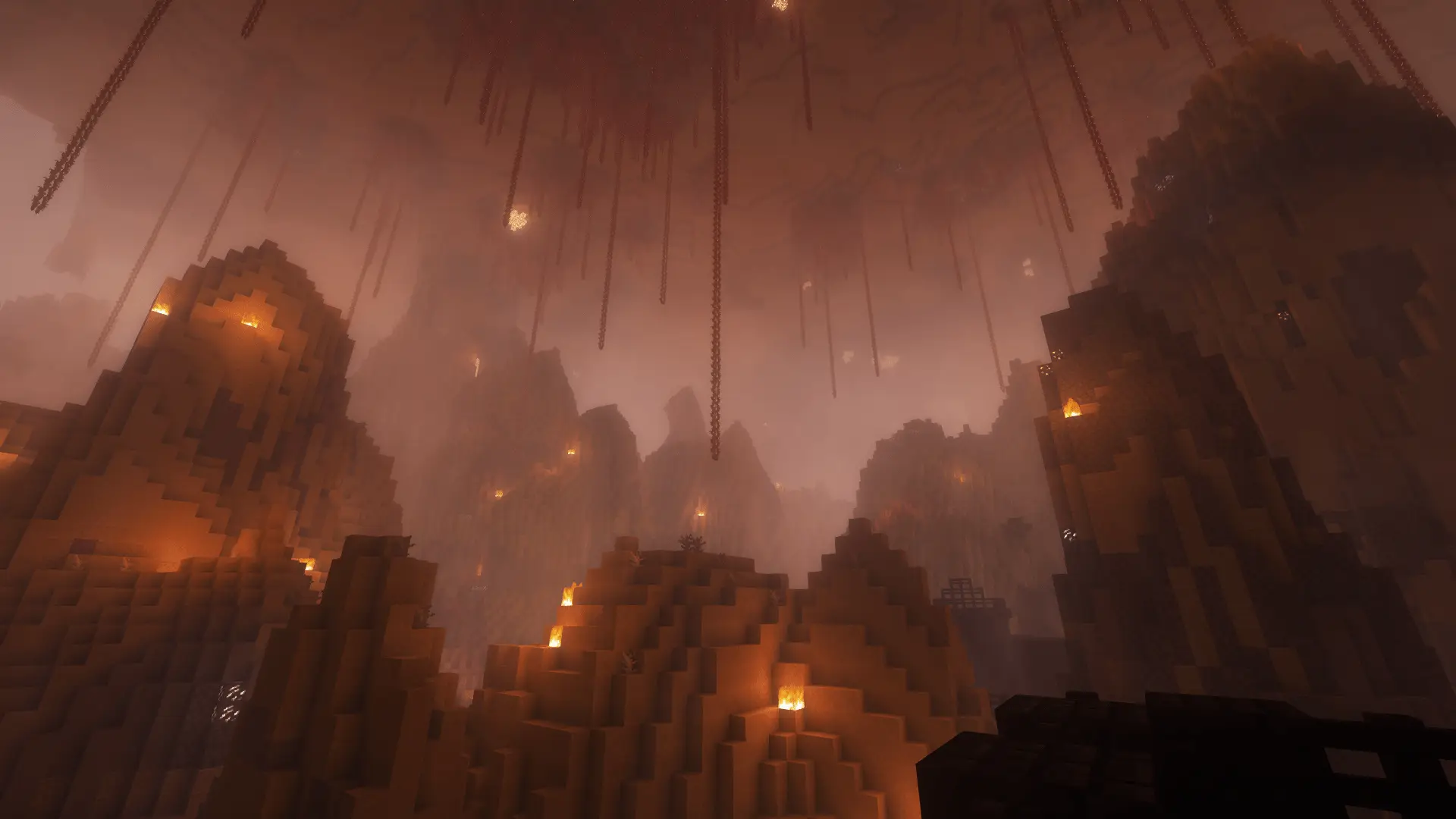
Minecraft-ChallengeNew
Chunk = Block
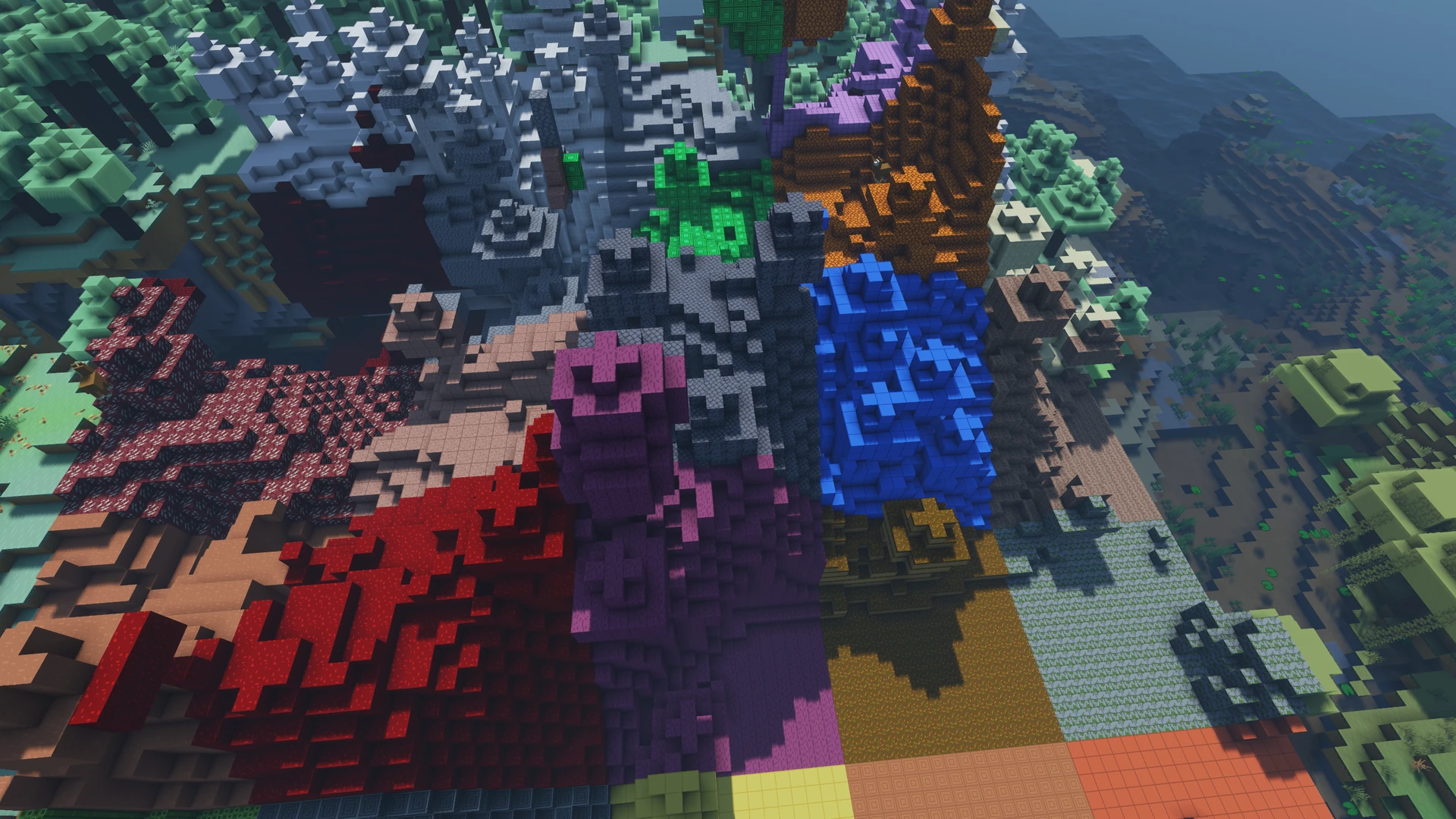
A stone forest, a wooden hill: Each new chunk gets a random block type. Ground, trees and fluids transform together. Explore the landscape and gather supplies.
- Java & Bedrock
- Free to play
- No extra mods
A new landscape
Even the treetops change
A chunk covers 16 × 16 blocks. When you enter it, its blocks gradually turn into the same random block type, from deep underground to the treetops. Water, lava, logs and leaves change too.
If a tree reaches into the next chunk, that part changes when you enter that chunk. Chests, barrels, furnaces and other containers keep their contents. Spawners, portals, obsidian and bedrock stay intact too. Air stays empty. Blocks you place later and newly grown trees stay in place.
Air, containers and important portal blocks stay intact.
Example round: A chunk turns into wood. Gather supplies for tools and a crafting table. The next chunk might contain stone, or wood again. Find a spot for your base.
What to expect
- The world
- Ground, trees and fluids take on their chunk’s block type.
- Exploration
- Discover the block types of nearby chunks and gather useful supplies.
- Your goal
- Gather supplies and reach your chosen Minecraft goal.
Be prepared
Take useful blocks with you
The next block type is a surprise. Collect supplies you might need later.
- 01Keep some wood
- If you find a wood chunk, gather supplies for tools and a crafting table.
- 02Search chests
- Chests keep their contents. Check them for food and equipment.
- 03Keep your builds
- You can build normally after conversion. Blocks you place will not be replaced again.
More challenges
Less room for supplies
With Hotbar Only, you have just nine inventory slots. Choose your supplies carefully.
- Chunk = Block + Hotbar Only
- Which blocks are worth keeping? Decide what goes in your nine slots.2 challenges at once · Host needs Pro
The configurator shows which rules you can enable together. Some combinations do not suit every goal.
Questions about Chunk = Block
Landscapes, builds and free play.
Do trees change too?
What happens when I return to a chunk?
Do I need a rank?
Your first run
Play Chunk = Block online
You need Minecraft, but no extra mods or server hosting of your own.
- 1
Join Sparkane
Connect to
play.sparkane.com. We support 1.21.11 – 26.3 on Java. The “How to join on Java & Bedrock” guide covers both editions. - 2
Choose your challenge in the lobby
Choose your challenge at the NPC in the lobby. You can play straight away with its preset rules. To change settings or combine challenges, open the browser settings from there.
- 3
Start your server and invite friends
Create your server and wait for it to be ready. Invite friends with
/invite. Java and Bedrock players can play together. - 4
Start the timer and play
Everyone ready? As the host, use
/timer start. You can then break blocks and the challenge rules become active. Use/timer pauseand/timer resumeto take a break and continue your run.