
Updates & announcements
Reset your world, assign tasks, mark locations
Reset your world or just your progress, plan tasks together and mark important places. Plus, many small improvements for your next Minecraft run.
- By
- By The Sparkane team
- Published
- Published
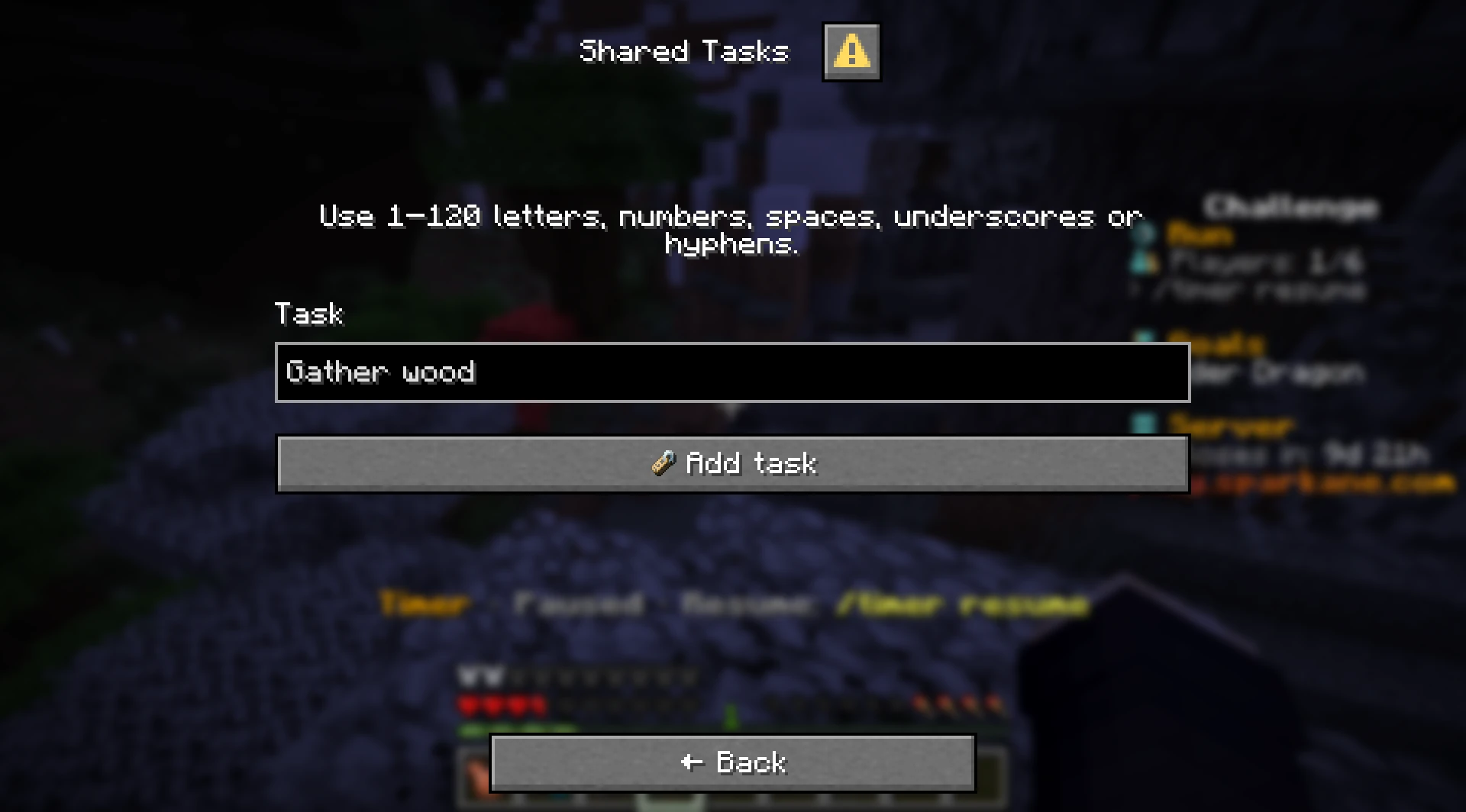
Did a run go wrong? Or do you want to start with a new plan? This update lets you choose what starts over in your run. It also adds shared tasks, better position pings and many small improvements.
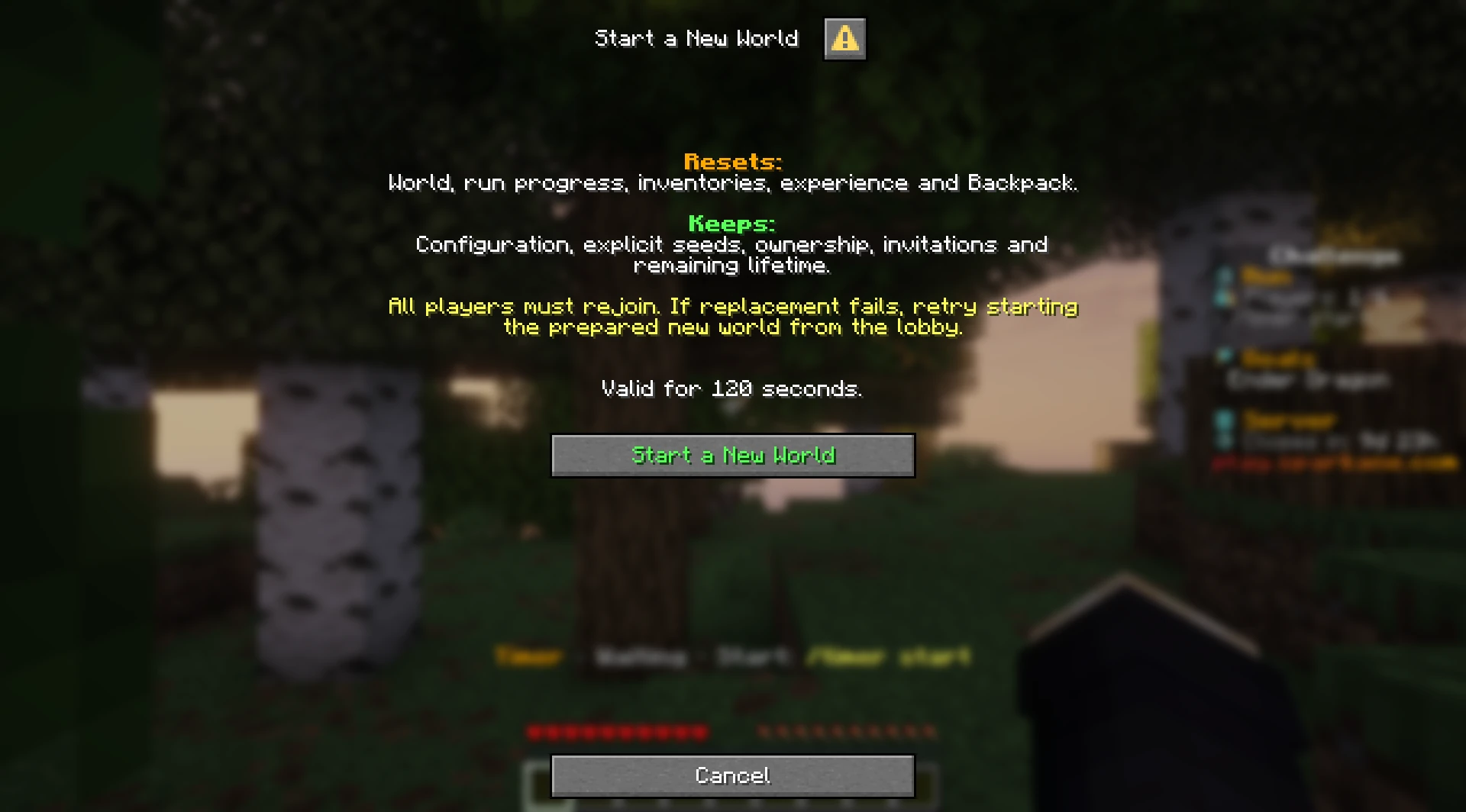
Start a New World (Hard Reset)
Open /reset and choose “Start a new world”. After a failed attempt, the host sees the right reset options right away.
The world, inventory and supplies reset. Your challenge configuration, invitations and remaining server lifetime stay. You can also find this option in Lobby Management.
Reset Progress (Soft Reset)
If you want to keep your world, open /reset and choose “Reset progress”.
The timer and progress reset while the world, inventory and supplies stay. Your tasks are cleared so you can plan again.
Mark places with position pings
Use /pos ping [Text] to point your group to an important place. You can also choose “Mark look target” in /pos.
A ping shows direction and distance. A height guide shows whether you need to go higher or lower. The feature is available when the host has Pro or higher.
Many small improvements
- Permanent Item: In the Permanent Item challenge, you can now take items out of chests and other containers. Putting them back or dropping them is still forbidden.
- Open tasks and positions faster: You can now reach tasks and positions through
/run. - Create a new server right away: As soon as your server has been deleted, you can create a new server immediately.
- Clearer reset dialogs: Reset dialogs explain more clearly what will reset and what will stay.
- Fewer startup and reset problems: We fixed issues with server startup, resets and invitations.
- Performance and stability: We also improved general performance and stability.
Start your next run
Create a private server, invite your friends and try the new options.
Learn how to play for free