
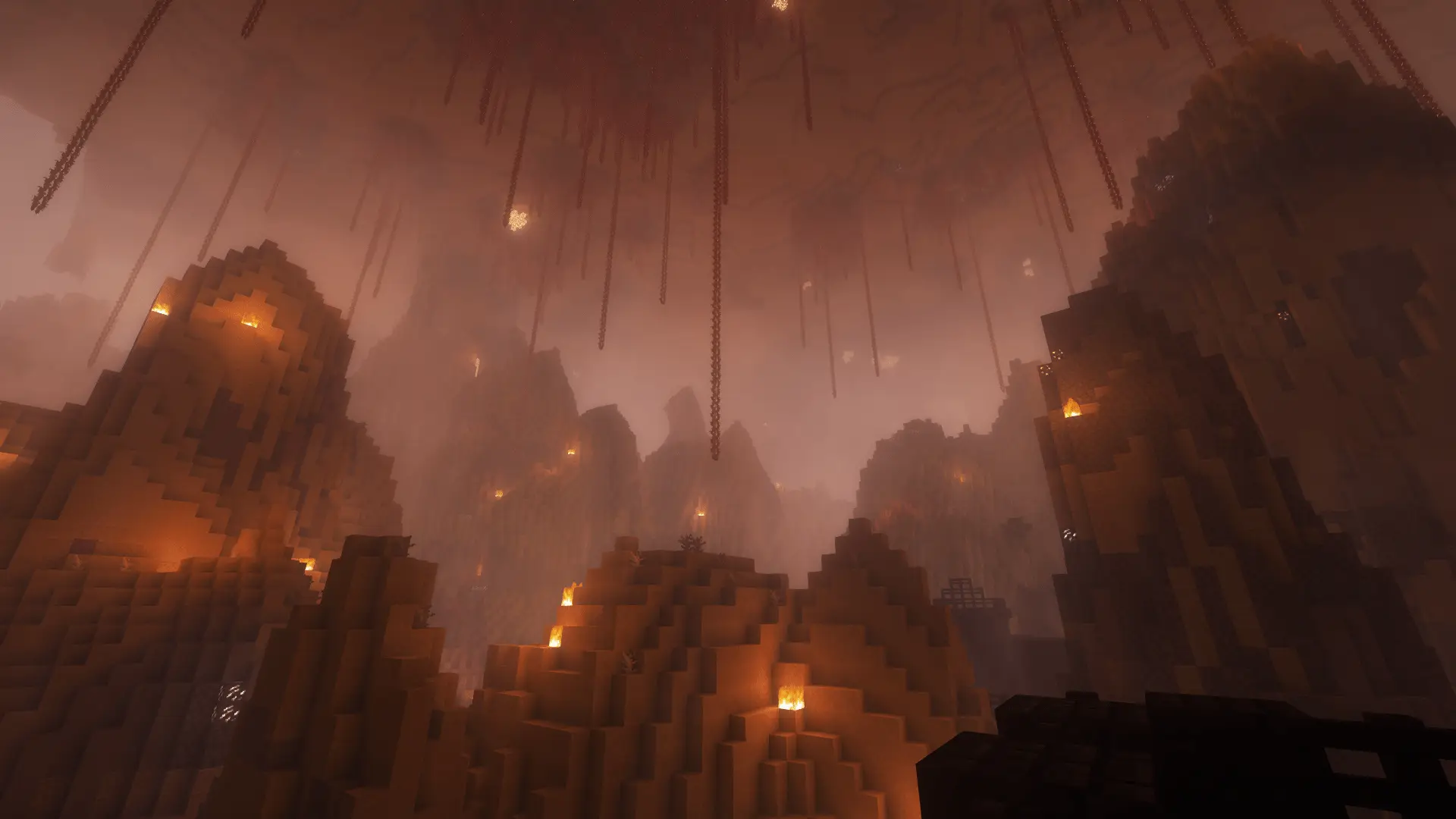
Minecraft Challenge
Dimension Shift
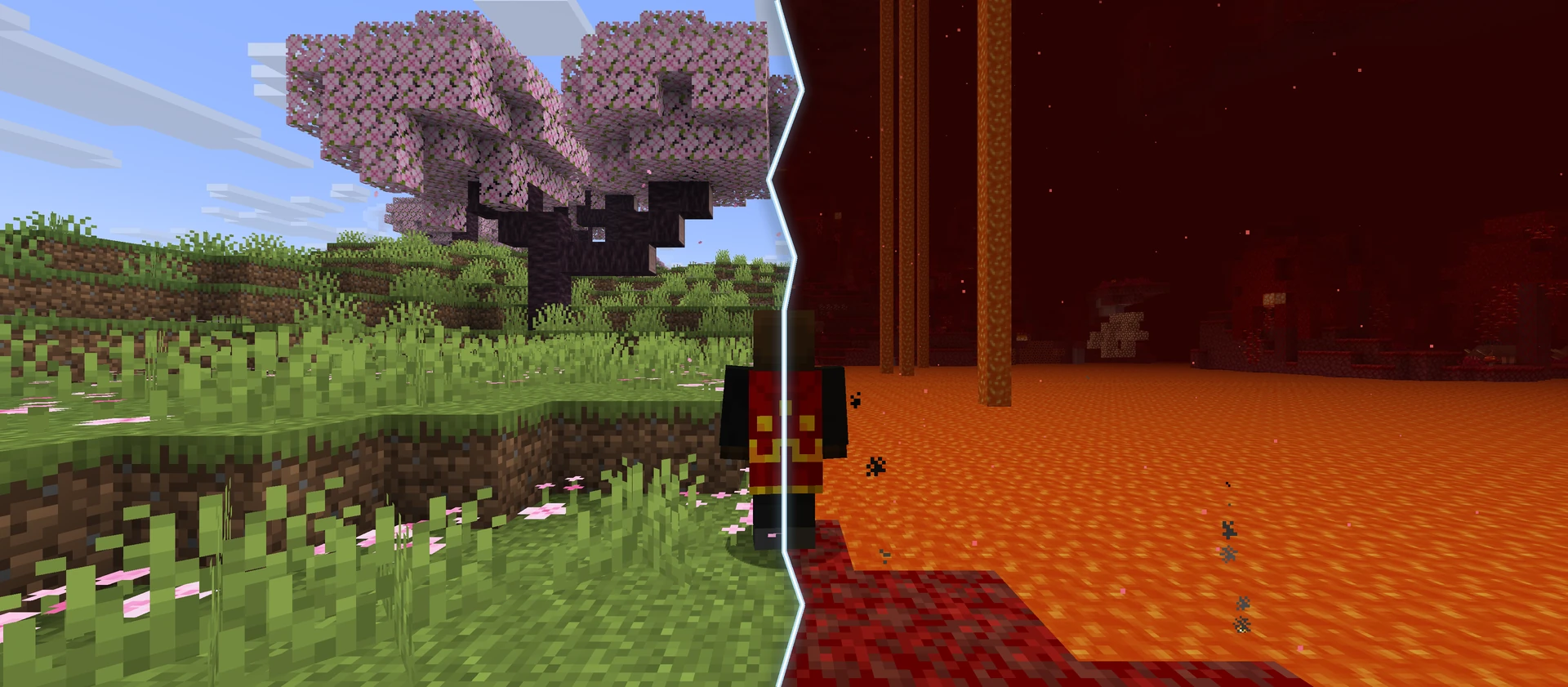
Every five minutes, your group shifts between random locations in the Overworld and Nether. Find a stronghold, set a return point and work toward your chosen goal.
- Java & Bedrock
- Play together
One journey, three dimensions
Your world keeps moving
After five minutes of active run time, the whole group shifts. The first shift goes to the Nether. Later shifts search for a new destination. You receive a warning 30 seconds before each shift, and you are protected from damage for five seconds after arrival. Pausing the run stops the clock.
Throwing an Eye of Ender far from a stronghold activates shared stronghold guidance: later Overworld shifts land on safe terrain near that stronghold. Find your way inside and insert an Eye into an empty End portal frame: every later Overworld shift then returns the group to that stronghold. Shifts stop in the End. Your chosen goal decides when you complete the run.
Nether portals are blocked; the route to the End uses a real End portal.
Example round: After the first five minutes, your group shifts to the Nether and gathers supplies. Back in the Overworld, you throw an Eye of Ender far from a stronghold. This activates shared guidance: a later Overworld shift lands you near that stronghold. You find the entrance and insert an Eye into an empty End portal frame in the portal room. Your shared return point is now anchored.
What to expect from your run
- Rule complexity
- The shared timer shifts you between the Overworld and Nether every five minutes. Entering an End portal suspends shifts for the group.
- Experience
- Exploration, safe landings, stronghold searching and clear callouts help your group handle each shift.
- Time commitment
- The clock counts active run time only. How long you play depends on your chosen goal and route.
Prepare for each shift
Arrive together
A good group plans the next 30 seconds before the world changes.
- 01Take the warning seriously
- When the 30 seconds begin, finish risky actions, collect your items and take important supplies with you.
- 02Anchor the stronghold
- Throw an Eye of Ender far from a stronghold to activate shared guidance. Later Overworld shifts bring you to safe terrain nearby. Find the portal room and insert an Eye into an empty End portal frame to anchor the shared return point.
- 03Take supplies with you
- Nether portals are disabled in this challenge. Take important supplies before a shift and rely on the shared timer.
Add another twist
Combine Dimension Shift
These combinations change your journey again. Check your selection in the configurator.
- Dimension Shift + Block Drop Randomizer
- Discover which drops help you in the Overworld and Nether. One possible discovery can change your next route.2 simultaneous challenges · Host needs Pro
- Dimension Shift + Mob Loot Randomizer
- Plan fights again because defeated mobs can drop random items. Which loot appears depends on the run.2 simultaneous challenges · Host needs Pro
The configurator shows which rules you can enable together. Some combinations do not suit every goal.
Dimension Shift FAQ
The key rules before your first run.
How often does the group shift?
Are the landing locations always the same?
How do I set the shared return point?
Can I use Nether portals?
What happens when someone enters the End?
Which world and rules work with it?
Your first run
Start your Dimension Shift run
The ready-made preset asks you to defeat the Ender Dragon; you can choose a different goal in the configurator. You need Minecraft, but no extra mods or server hosting of your own.
- 1
Join Sparkane
Connect to
play.sparkane.com. We support 1.21.11 – 26.3 on Java. The “How to join on Java & Bedrock” guide covers both editions. - 2
Choose your challenge in the lobby
Choose the ready-made preset for your challenge at the NPC in the lobby. Its goal and rules are already set. To change them or combine challenges, open the optional web configurator.
- 3
Start your server and invite friends
Create your server from the preset or your custom configuration and wait for your server to be ready. Invite friends with
/invite <Name>. Java and Bedrock players can play together. - 4
Start the timer and play
Everyone ready? As the host, use
/timer start. You can then break blocks and the challenge rules become active. Use/timer pauseand/timer resumeto take a break and continue your run.