
Play BastiGHG-style challenges on a Minecraft server
Play Minecraft challenges like the ones in BastiGHG videos with friends. On play.sparkane.com, choose a preset and get your own server. You do not need extra mods or plugins.
Three challenges to try
Choose a starting point and open its page to check how the challenge works.
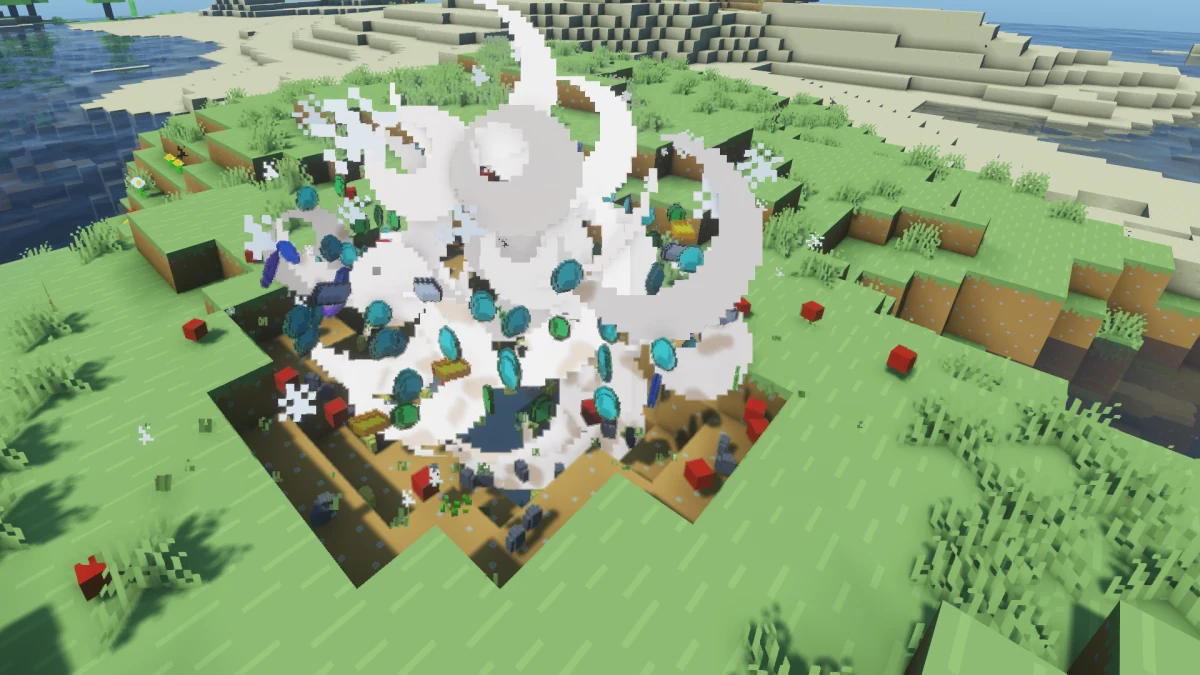
Block Drop Randomizer
Each block type drops a random item. The mapping stays the same throughout the run: dirt might always drop diamonds, for example.
View Block Drop Randomizer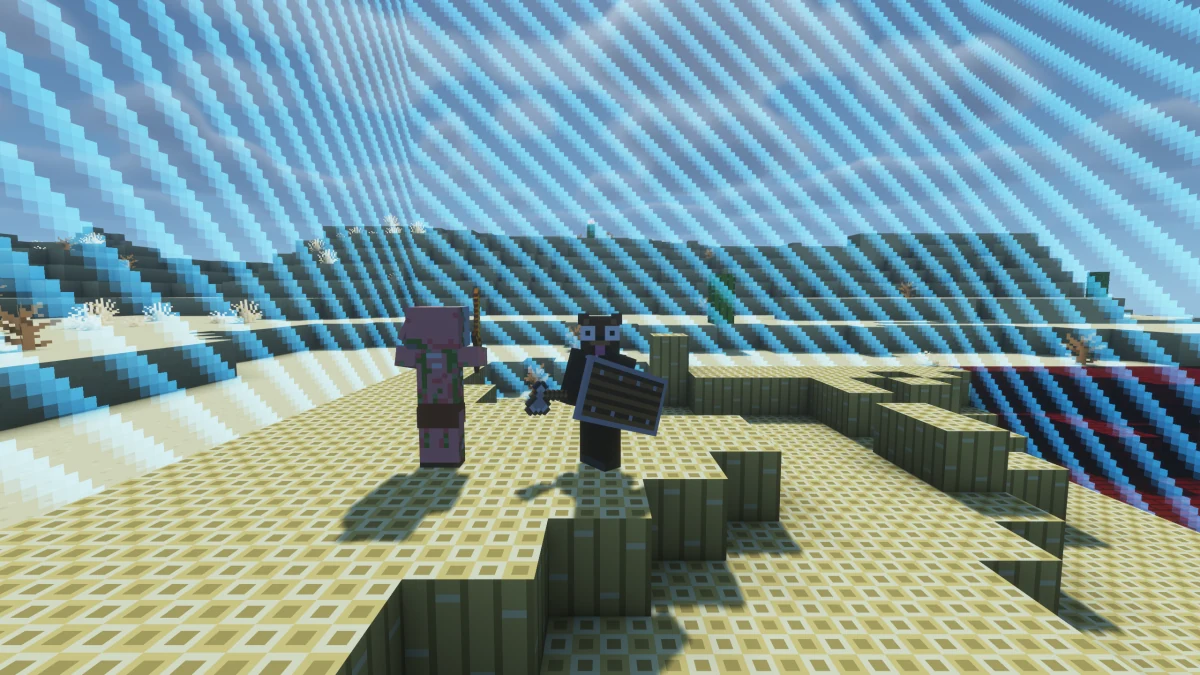
Chunk = Block + Mob
Each chunk’s terrain turns into one random block type once. Entering an Overworld or Nether chunk spawns a random mob, even when you return. Players in the same chunk share one guardian. Defeat it so everyone can leave the chunk. Your wins make the mobs stronger.
View Chunk = Block + Mob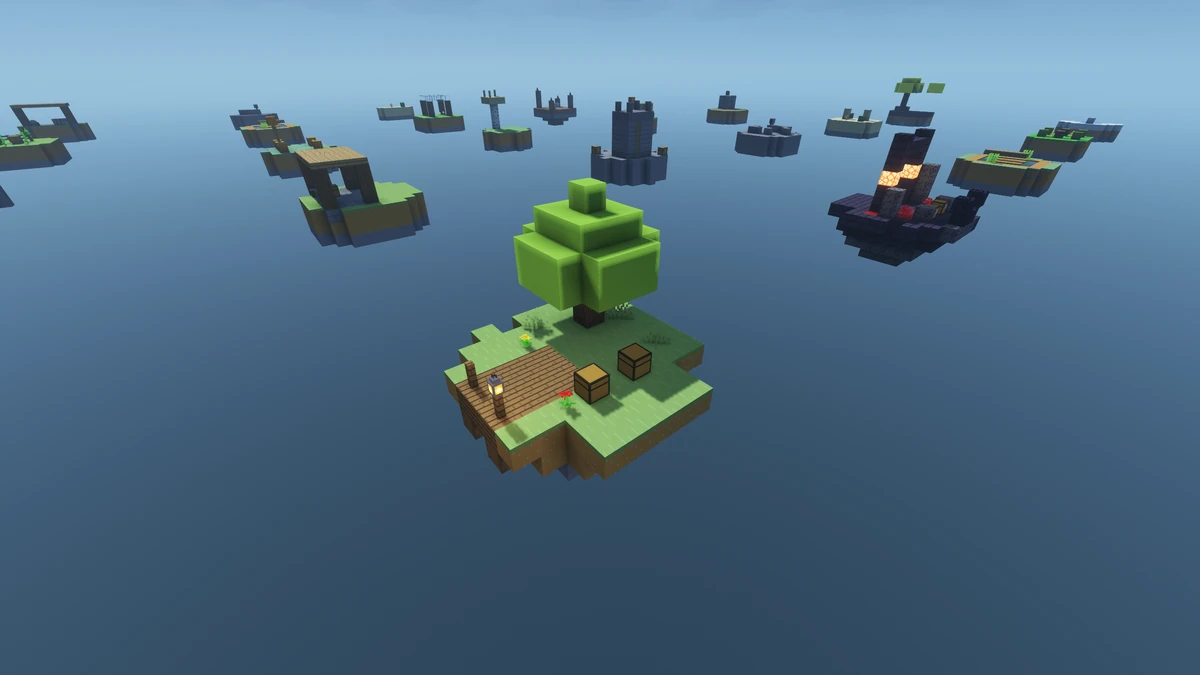
Chest Skyblock
You start on an island above the void. Build bridges to other islands and collect their supplies and random loot. Work your way to the End. The Nether and End stay normal.
View Chest SkyblockFrom the lobby to your run
- Join
play.sparkane.comin Minecraft. The guide explains setup for Java, Bedrock and consoles. - Choose a preset at the challenge NPC in the lobby and create your server.
- Server ready? Join it, invite friends with
/inviteand, as the host, use/timer startonce everyone is ready.
Want to combine rules or change settings? Open the optional web configurator at the challenge NPC. You can start a ready-made preset directly in Minecraft.
The joining guide explains Java, Bedrock and console setup in detail. Join and choose a challenge.
One shared goal across many sessions
Prefer collecting, exploring and completing a list together? Choose one of these six long-term projects. Each project page explains what counts towards your progress.
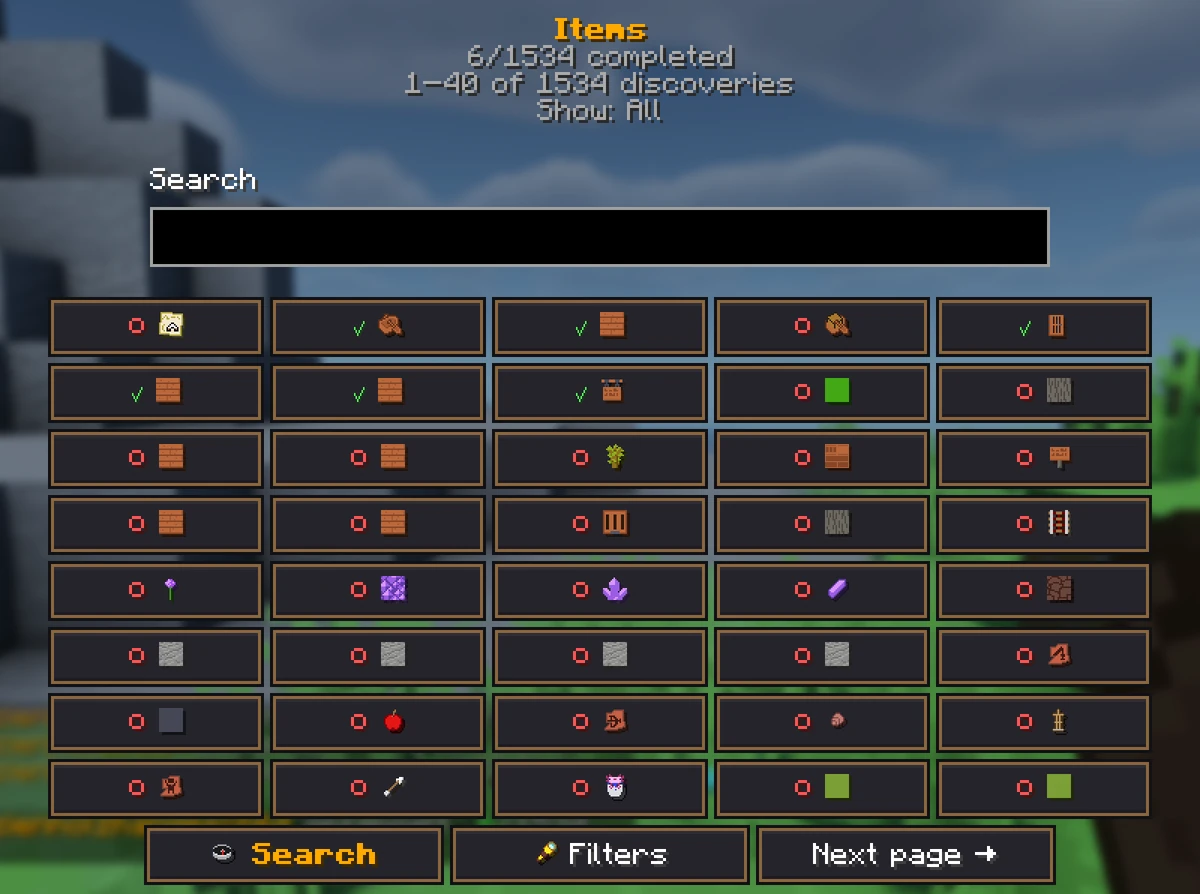
All Items
From your first logs to a rare find: collect every item on your shared checklist. Who will find the final missing piece?
View All Items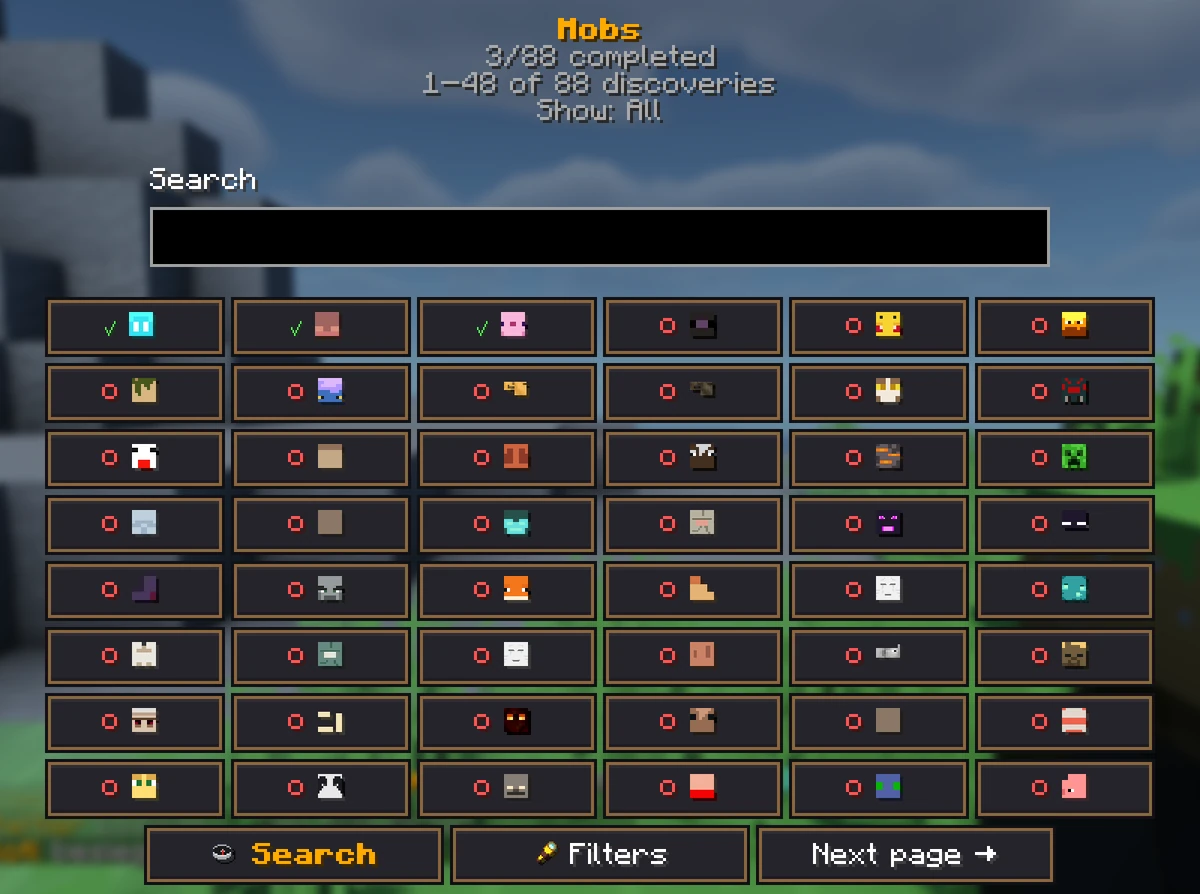
All Mobs
From zombies to the Ender Dragon: defeat every mob type on your shared checklist. Get ready for your next big fight together.
View All Mobs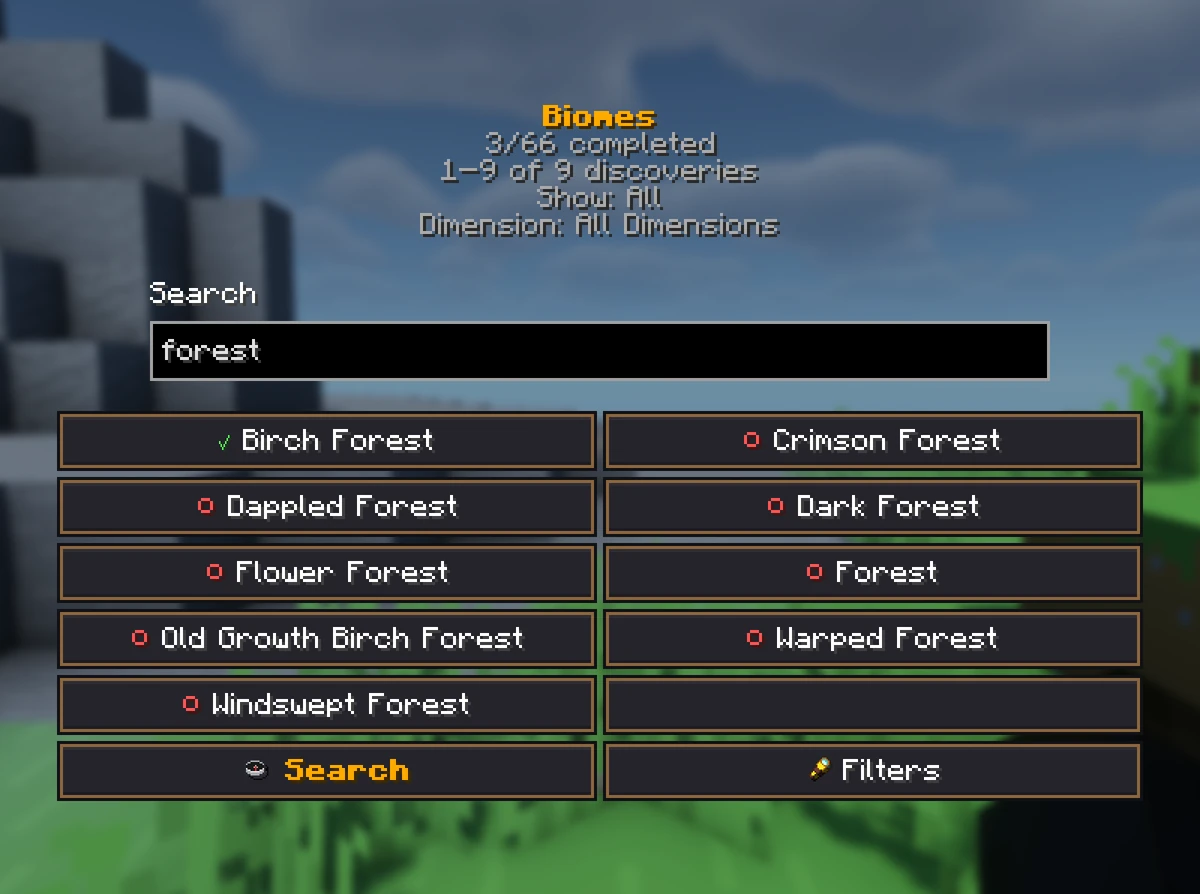
All Biomes
Across deserts, caves and other dimensions: find every natural biome together. Each journey could lead to your next missing place.
View All Biomes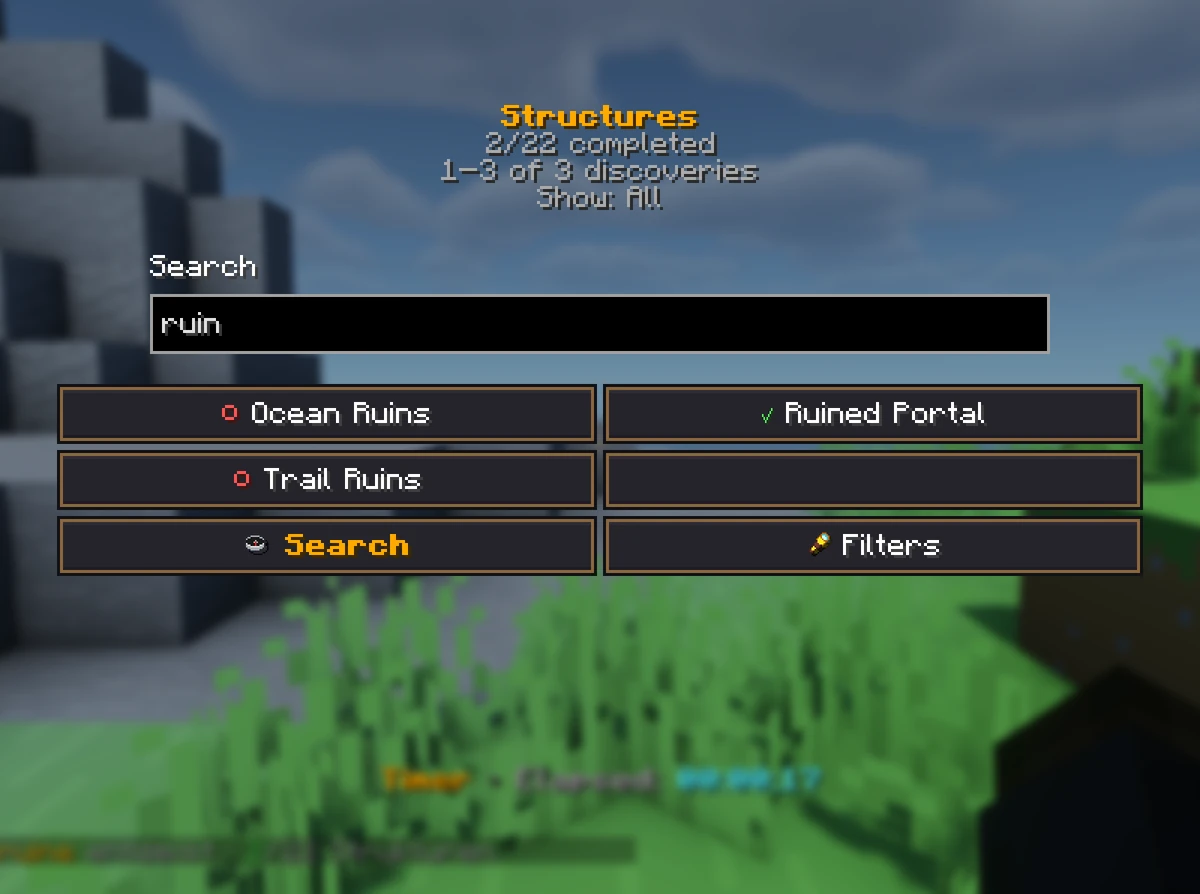
All Structures
Villages, temples and fortresses are waiting. Find every structure on your shared checklist and turn each trip into a new expedition.
View All Structures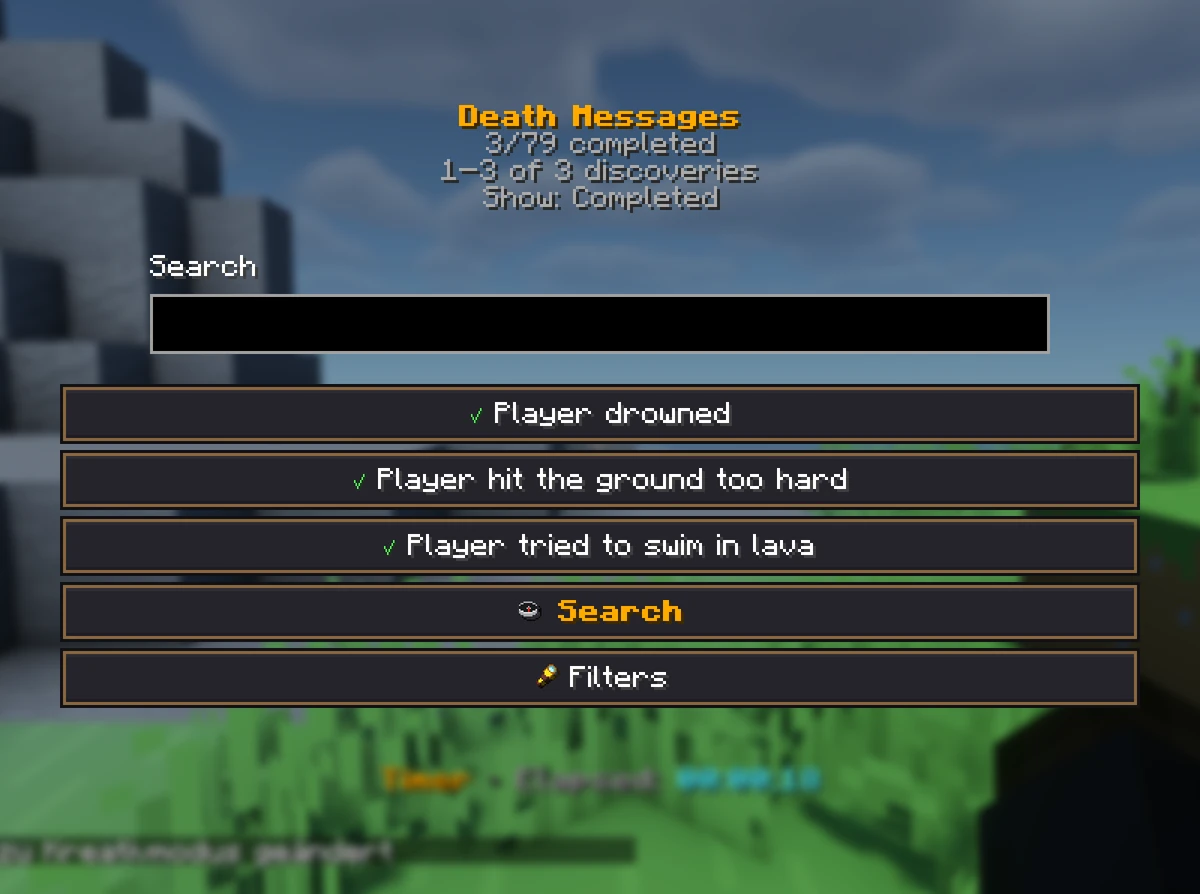
All Death Messages
Die in Minecraft and get closer to your goal? Try the deaths on your shared checklist and collect every death message together.
View All Death Messages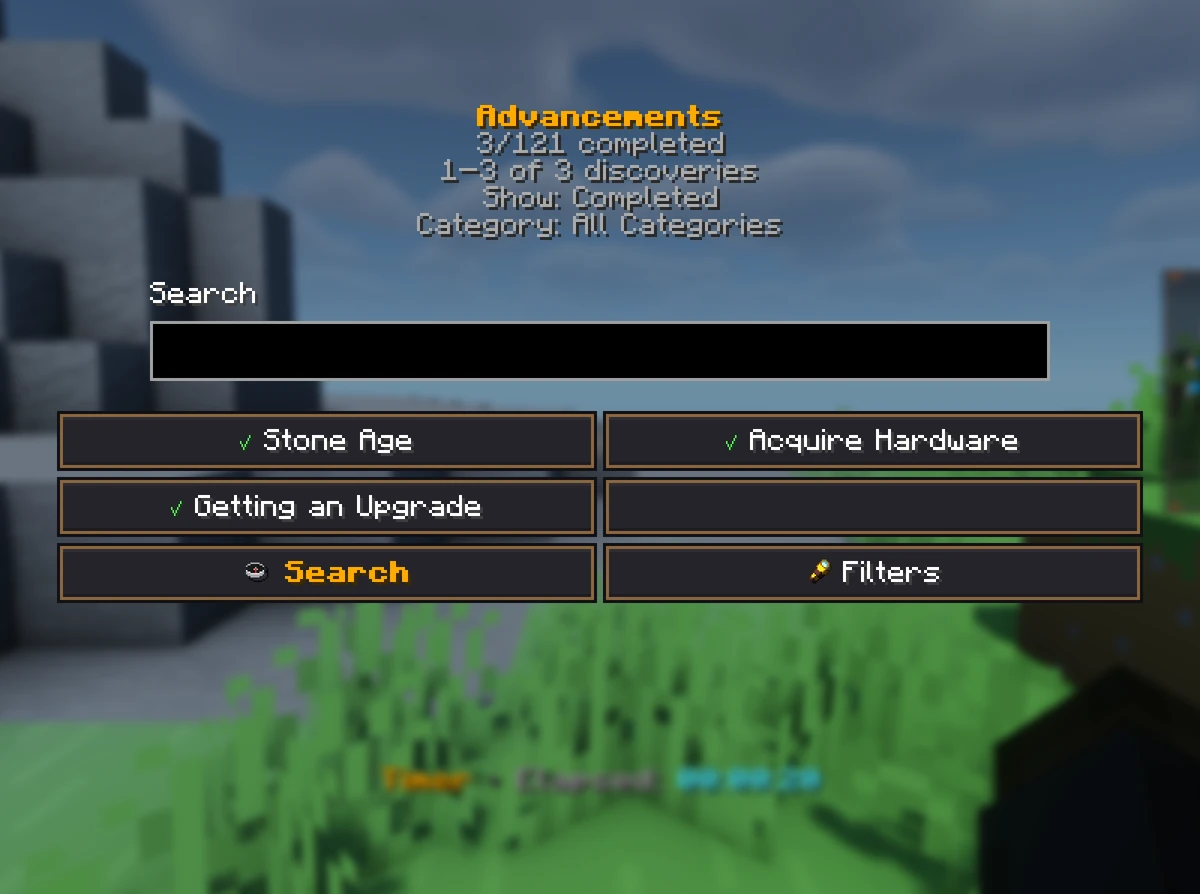
All Advancements
From your first tools to big Minecraft tasks: complete every advancement on your shared checklist. Everyone can help you reach the goal.
View All Advancements
Do I need a download, mods or plugins?
On Sparkane, you play Minecraft challenges with friends. You do not need any extra downloads, mods or plugins, and you do not have to set up your own server.
Looking for the exact rules from a video? Read the challenge page: Sparkane challenges can use different rules or settings.
Before you join
Java: supported versions are 1.21.11 – 26.3.
Bedrock: add play.sparkane.com with port 19132 from the server list on PC or mobile. Open console setup
You can choose 1 challenge rule for your free personal server. Up to 3 players can join, including you. A suitable rank lets you combine several rules.
Your server starts automatically after you create it. When you stop playing, your world stays saved. The days keep counting while you take a break.
When you want to carry on playing, start your saved server again in the lobby. Without a rank, you can do this for up to 3 days after its last successful start. Each successful start gives you another 3 days. If you wait longer, you cannot start this server without a rank. The lobby shows how much time you have left.
Independent server network
Sparkane is an independent server network and is not affiliated with BastiGHG.